简介
前面讲解了如何自托管开源的远程工具Rustdesk,但是我们使用的客户端还是官方的,每次都需要自己填写自己的中继服务器,KEY等,比较麻烦
这次我们自己编译自己的客户端,把我们的中继服务器写入客户端里面,打开就可以使用
本文章有可能出现图不对版的情况,主要是图片太多了又是晚上写的,脑袋有点混乱,如有不懂的地方可以留言
fork项目
我们需要fork两个项目,一个是rustdesk的项目,另外一个是rustdesk的子模块项目
rustdesk项目地址:https://github.com/rustdesk/rustdesk
rustdesk子模块项目地址:https://github.com/rustdesk/hbb_common
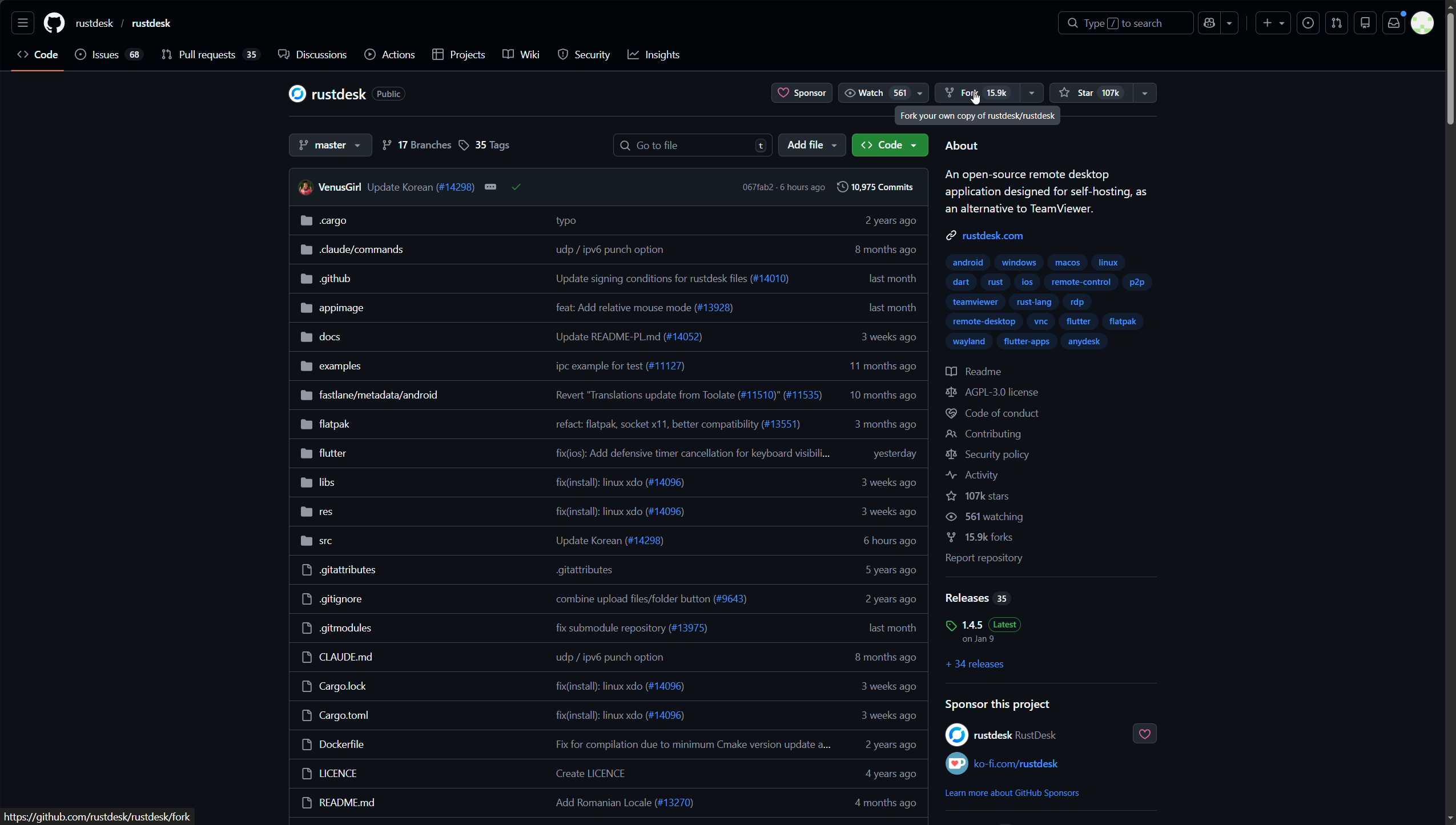
fork rustdesk项目
打开rustdesk的项目地址,然后点击右上角的Fork
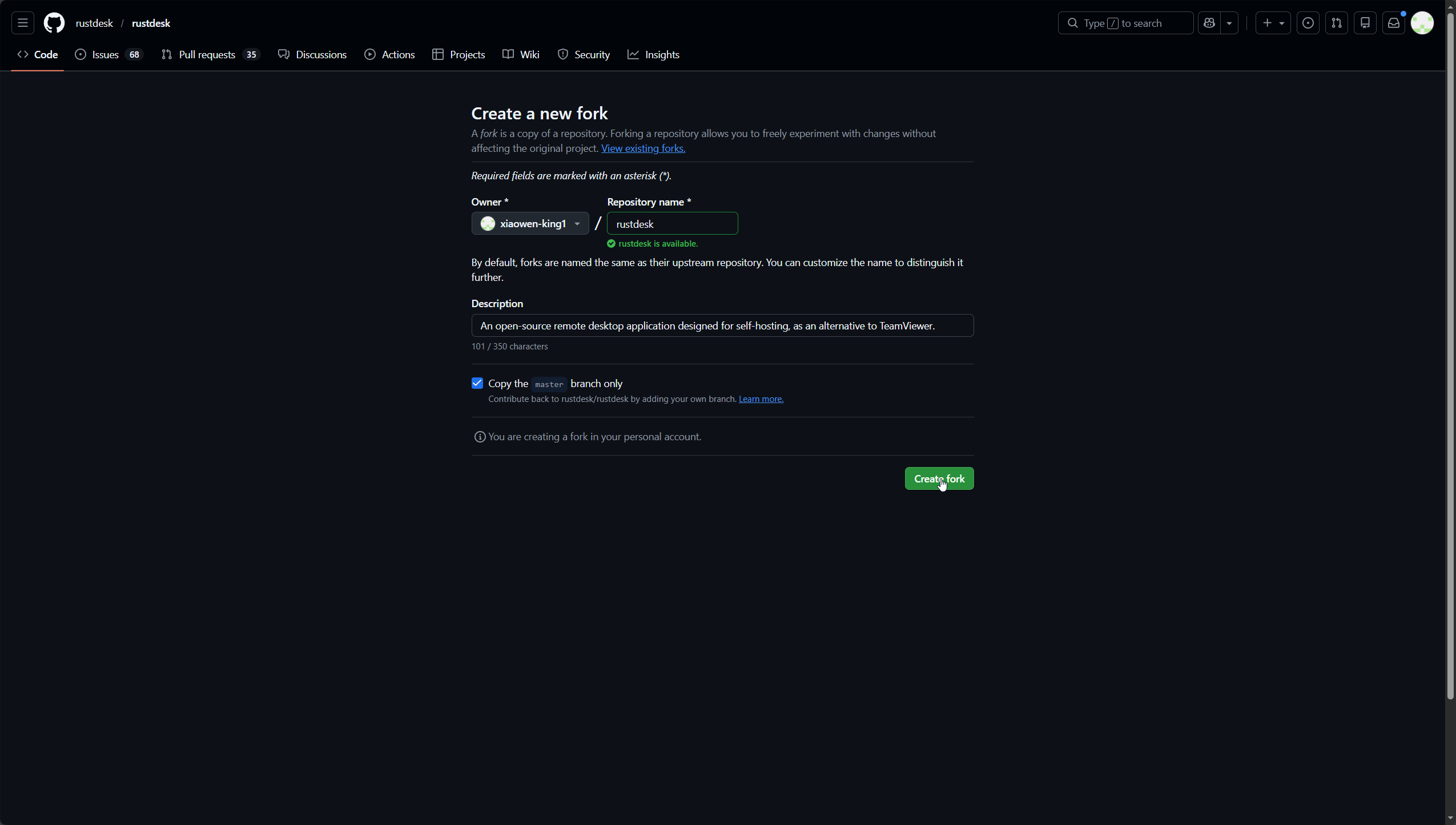
点击绿色的Crtate Fork按钮
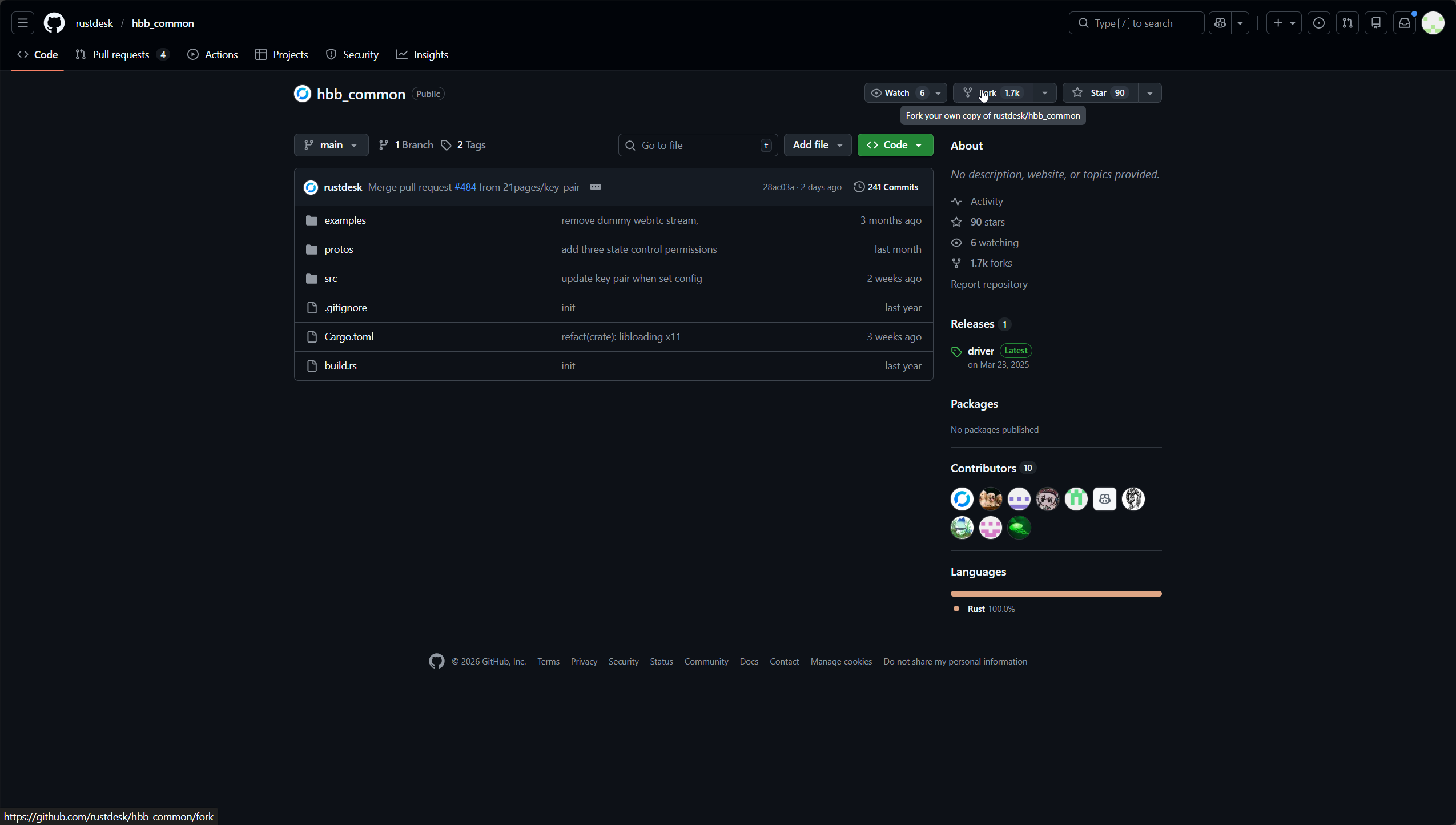
fork rustdesk子模块项目
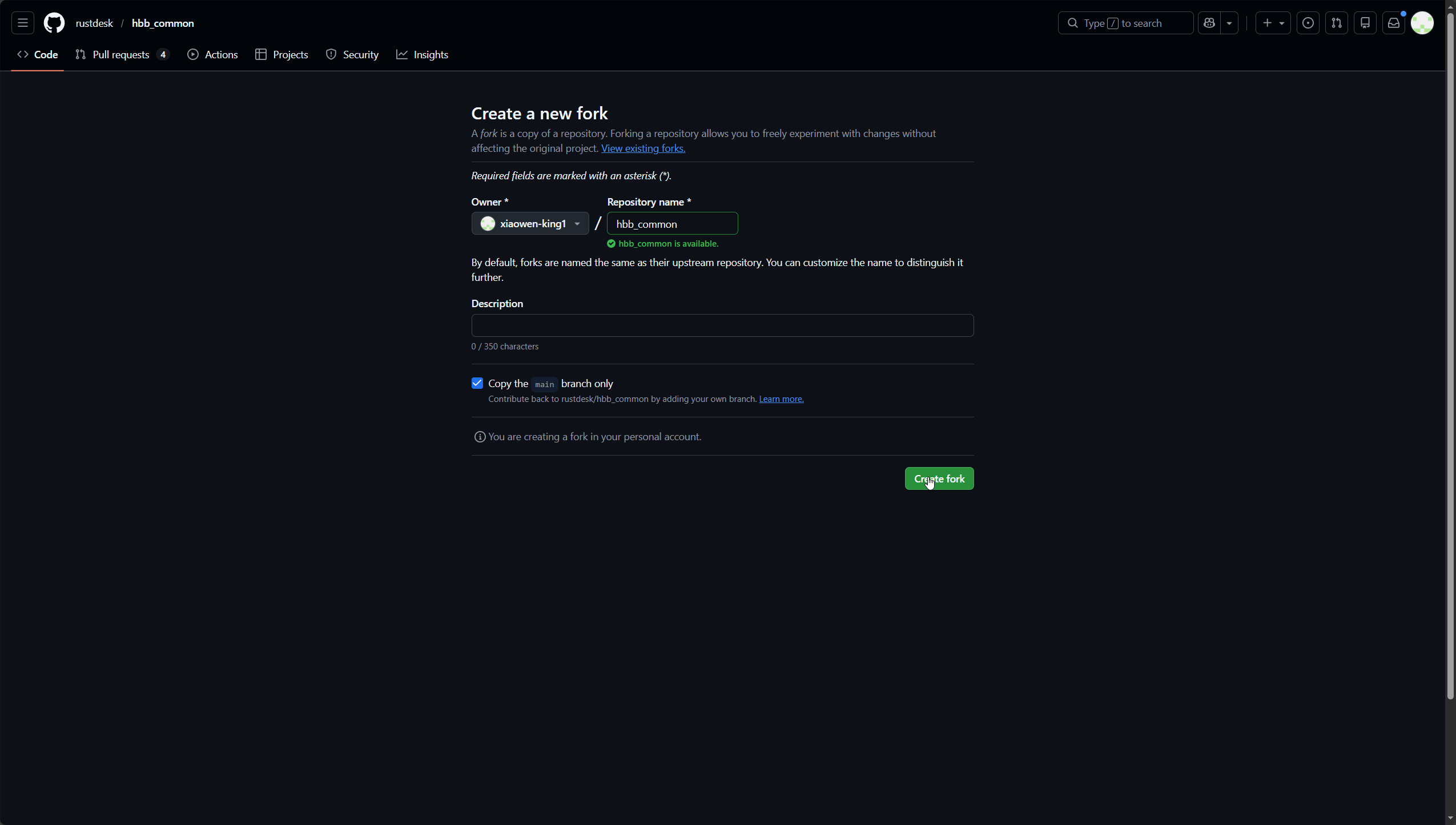
也是一样的,打开项目地址,然后点击右上角的fork
点击绿色的Crtate Fork按钮
修改指向子模块的链接
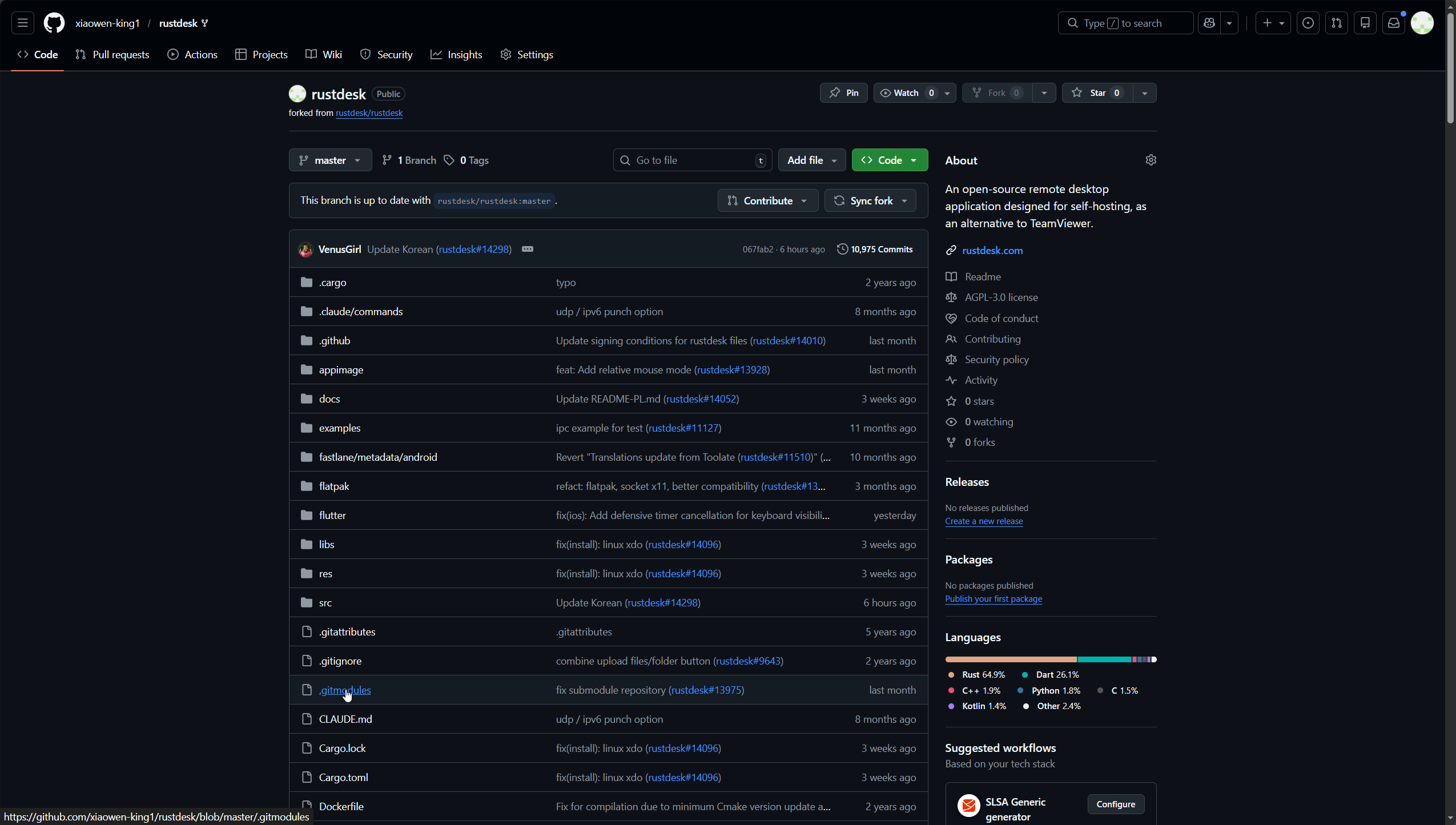
进入fork的rustdesk的仓库,点击.gitmodules打开文件
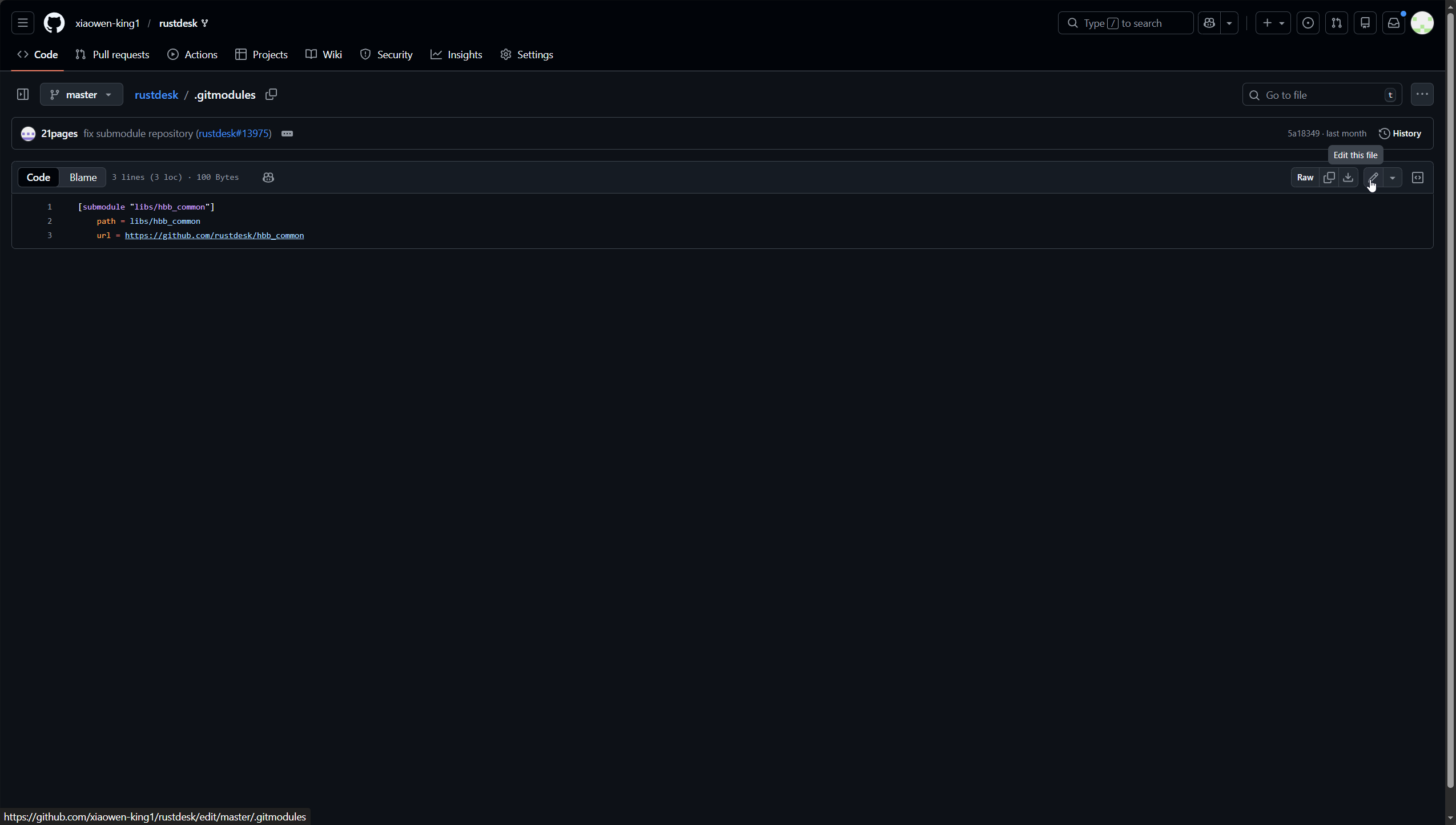
点击右上角的铅笔图标,进入编辑模式
把url这一行的链接换成我们刚刚fork的子模块的仓库链接
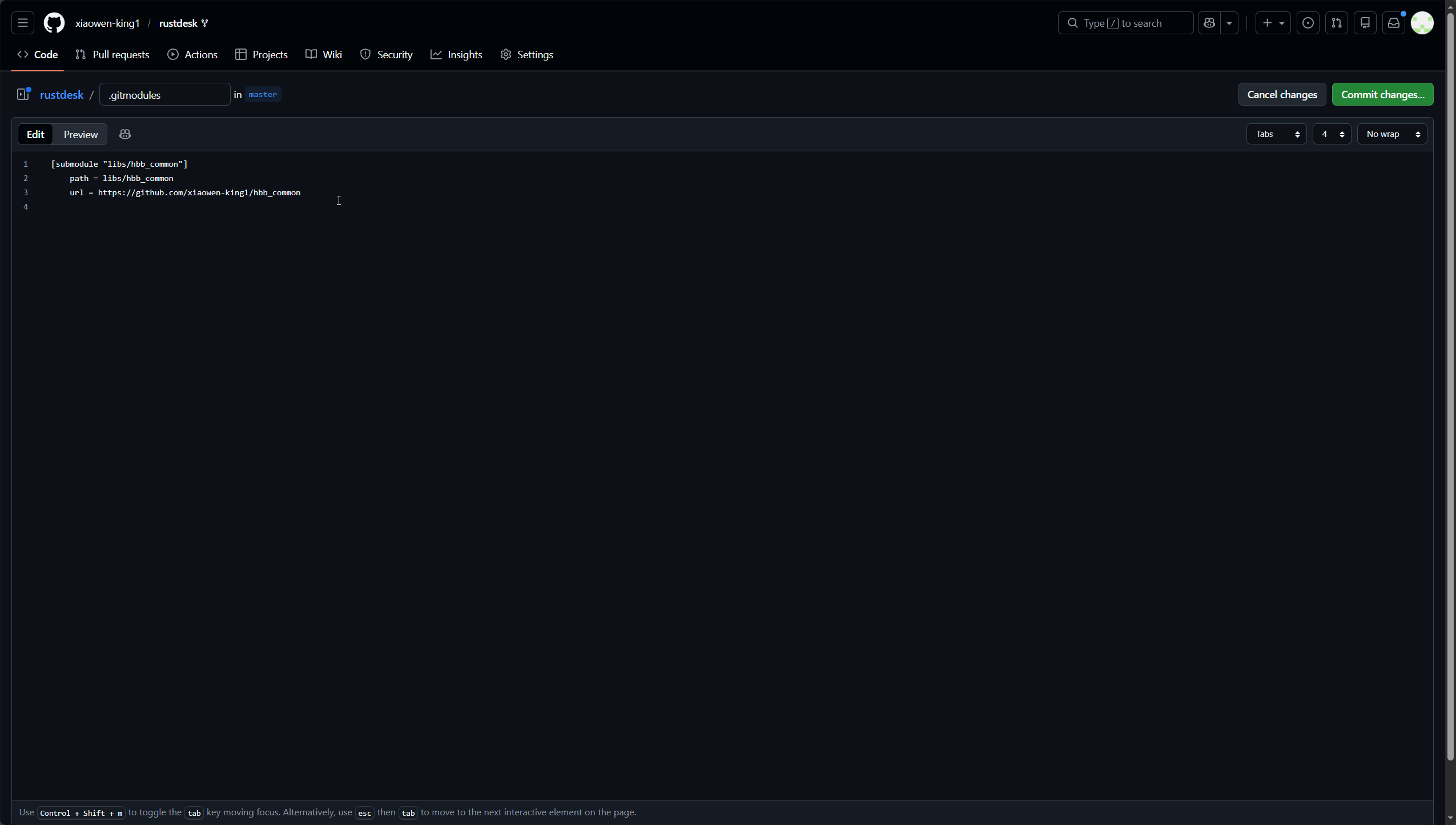
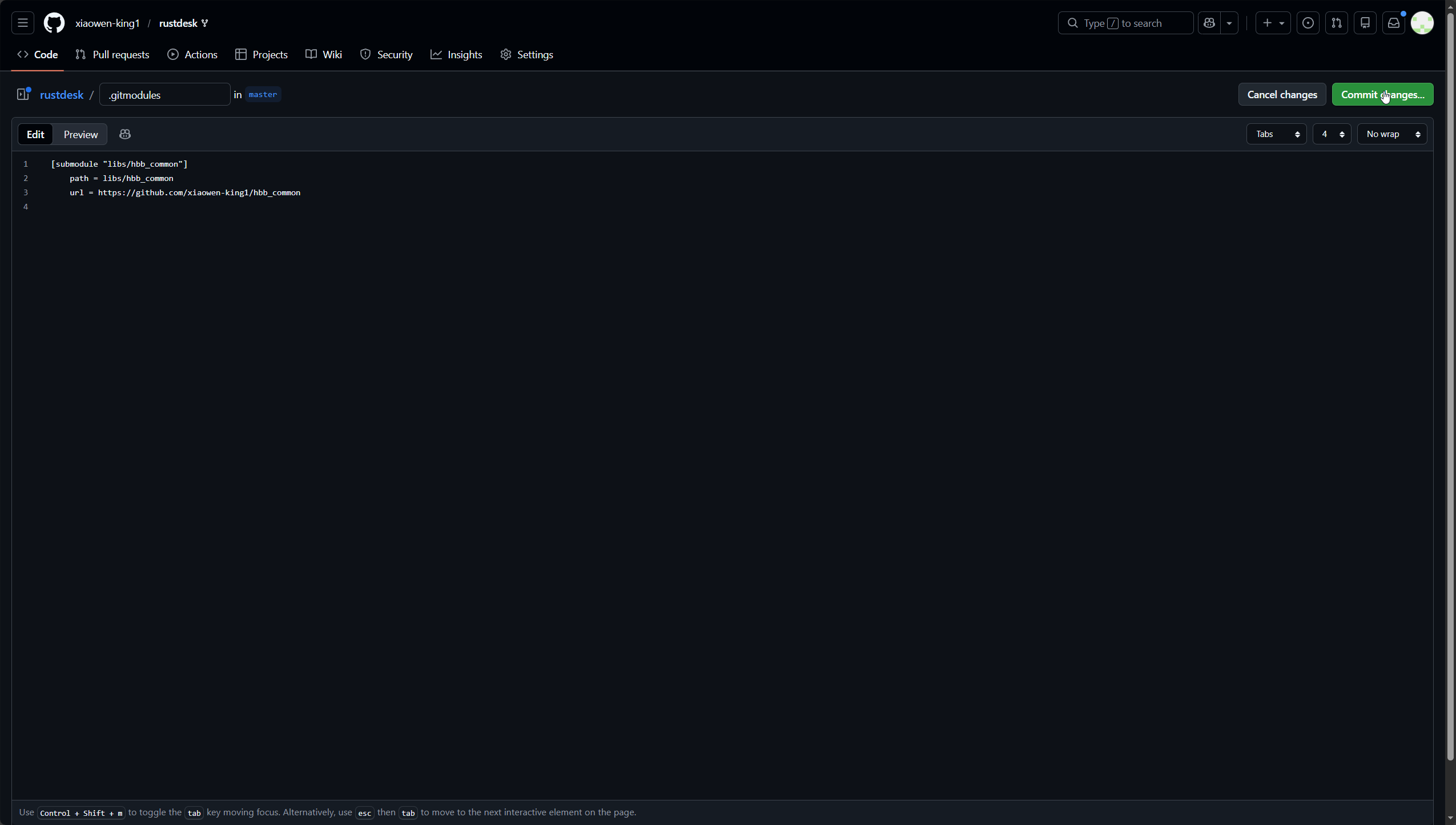
点击右上角的绿色的Commit changes...保存
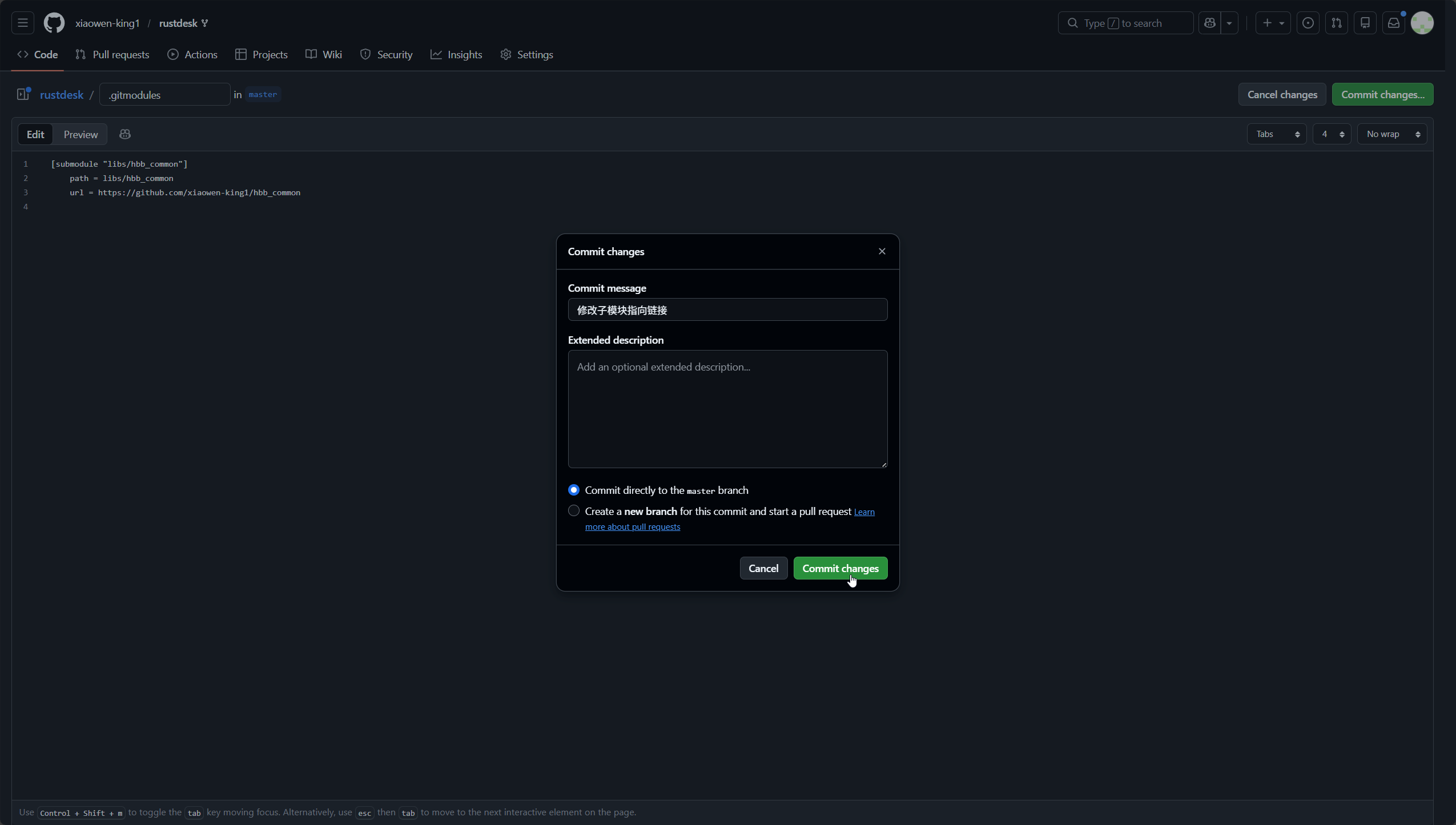
重新备注一下,然后点击绿色的Commit changes保存
修改api、服务器地址、服务器key
修改服务器地址和服务器key
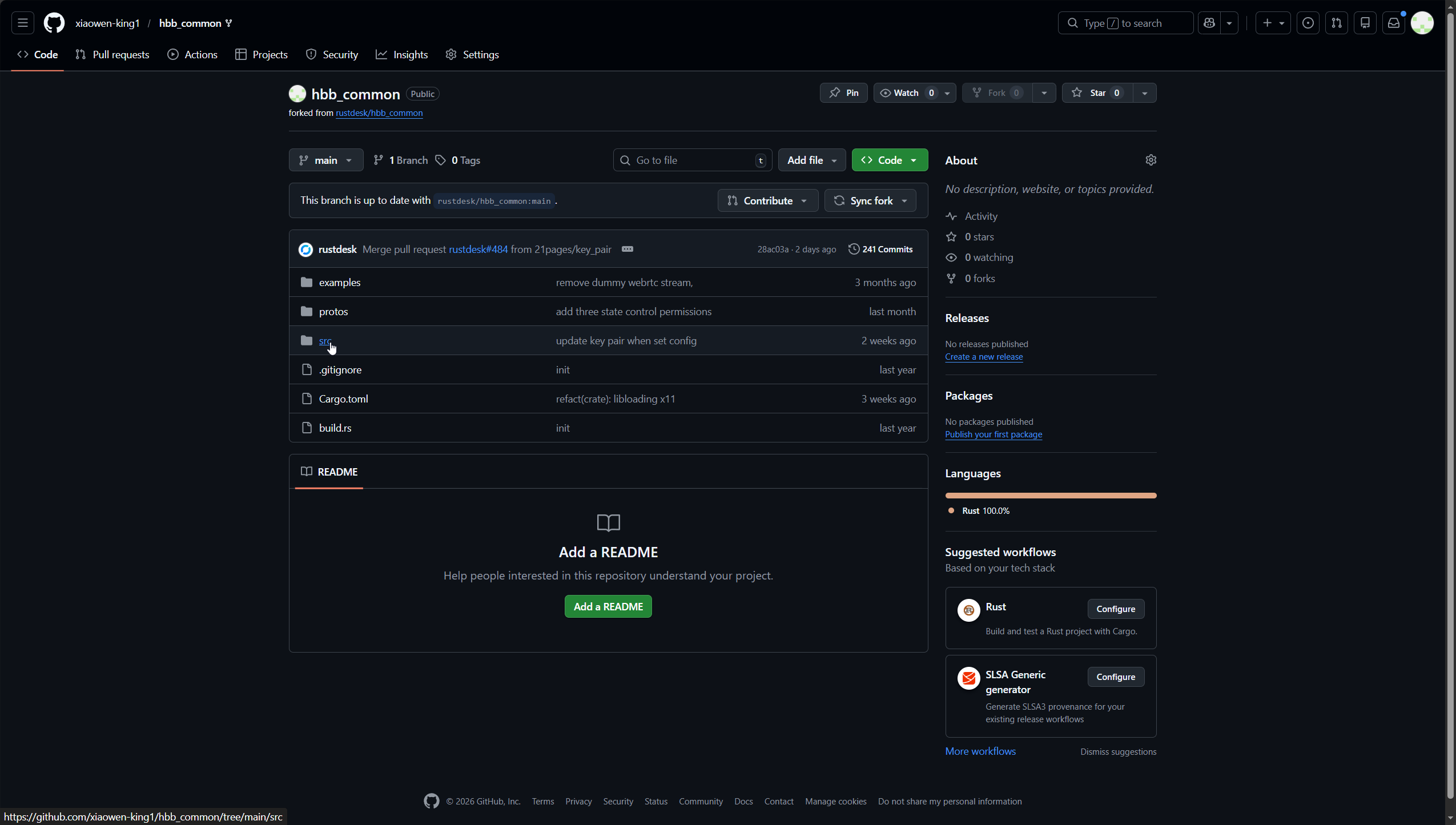
进入fork好的子模块仓库,点击src打开目录
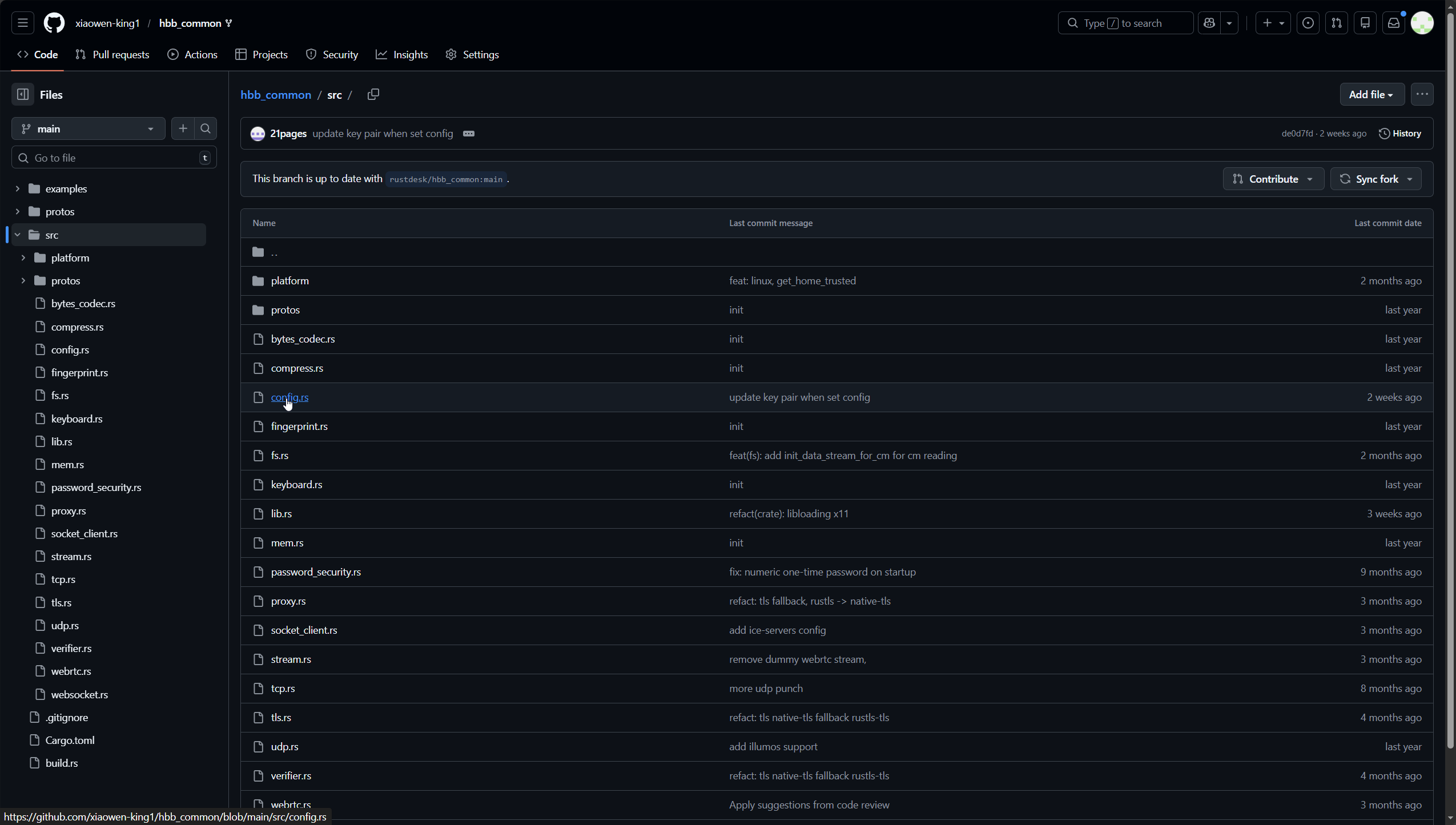
点击config.rs打开文件
点击右上角的铅笔图标,进入文件的编辑模式
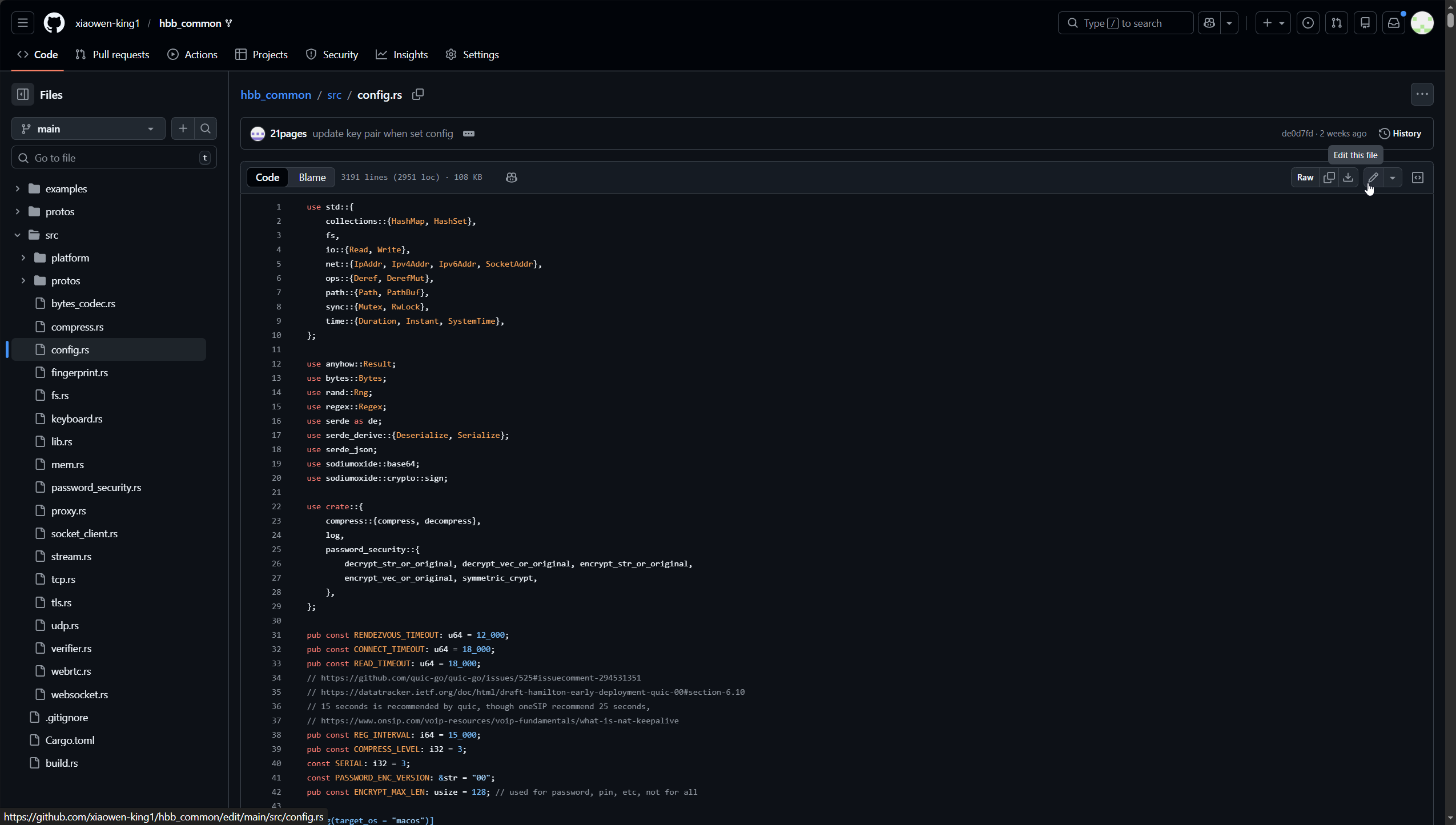
按键盘【Ctrl】+【F】搜索下面内容
rs-ny.rustdesk.com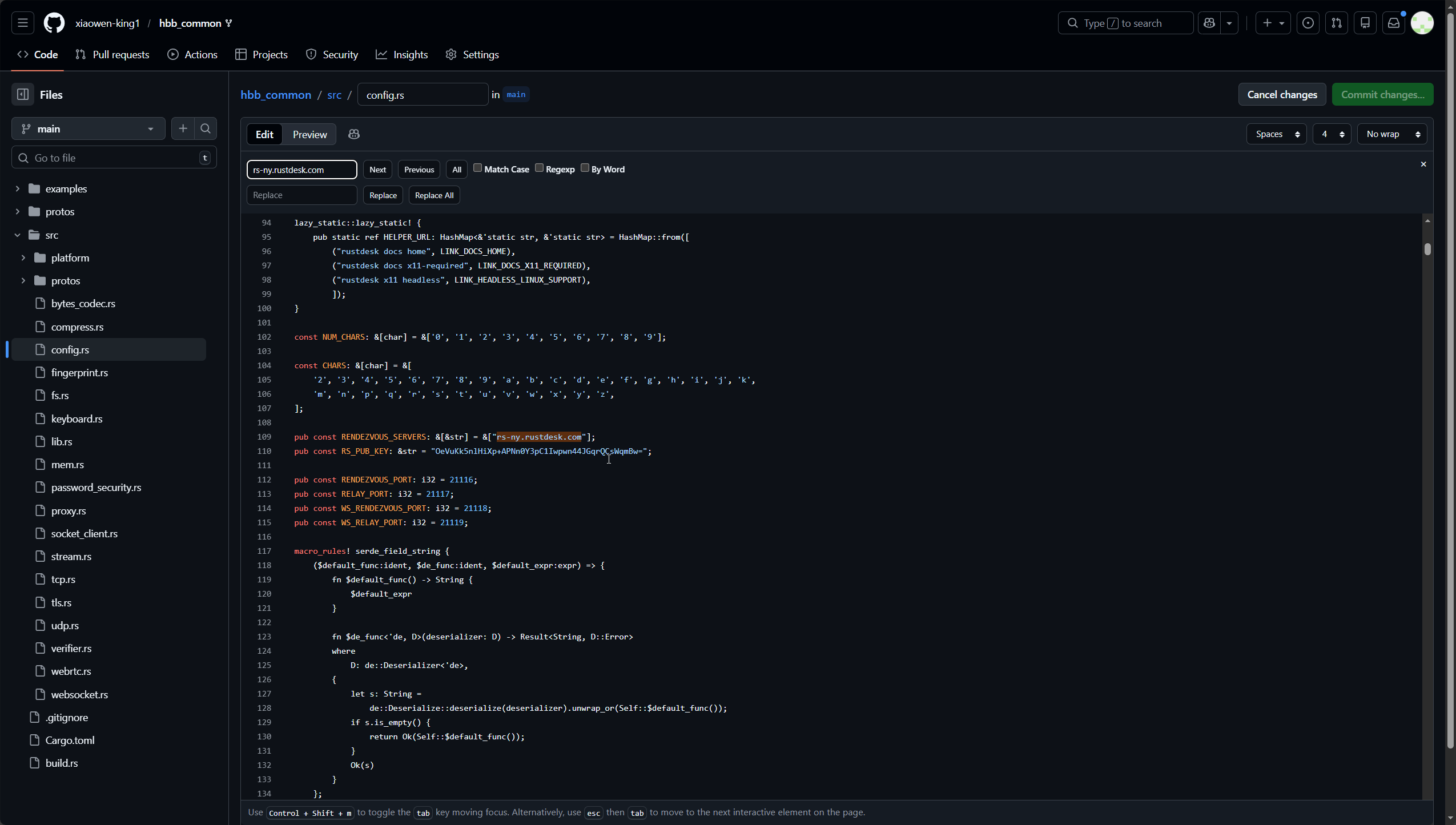
把搜索到的网址替换成为自己的服务器地址或者域名
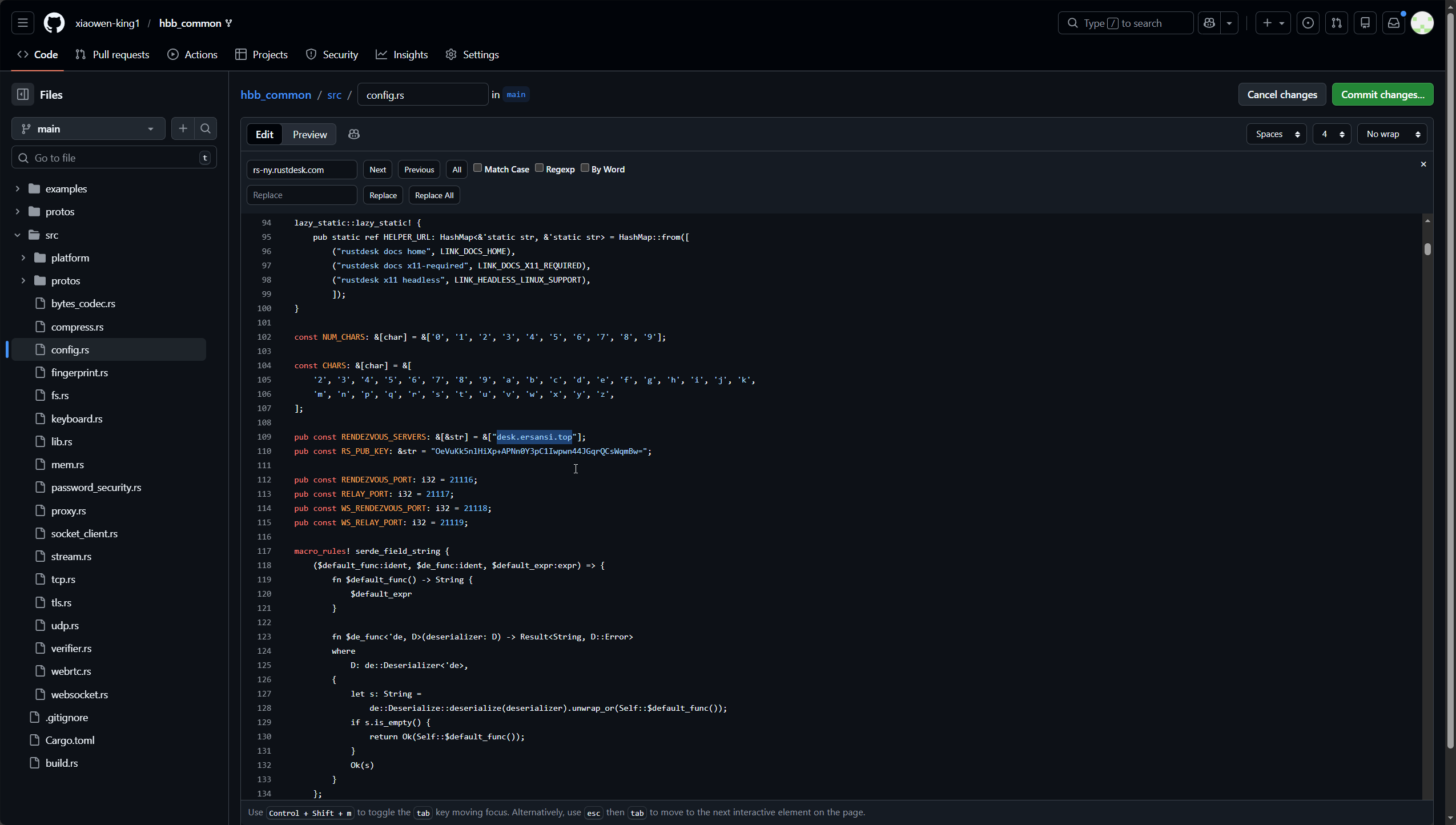
把下面的key替换成自己的key,然后点击右上角绿色的Commit changes...保存
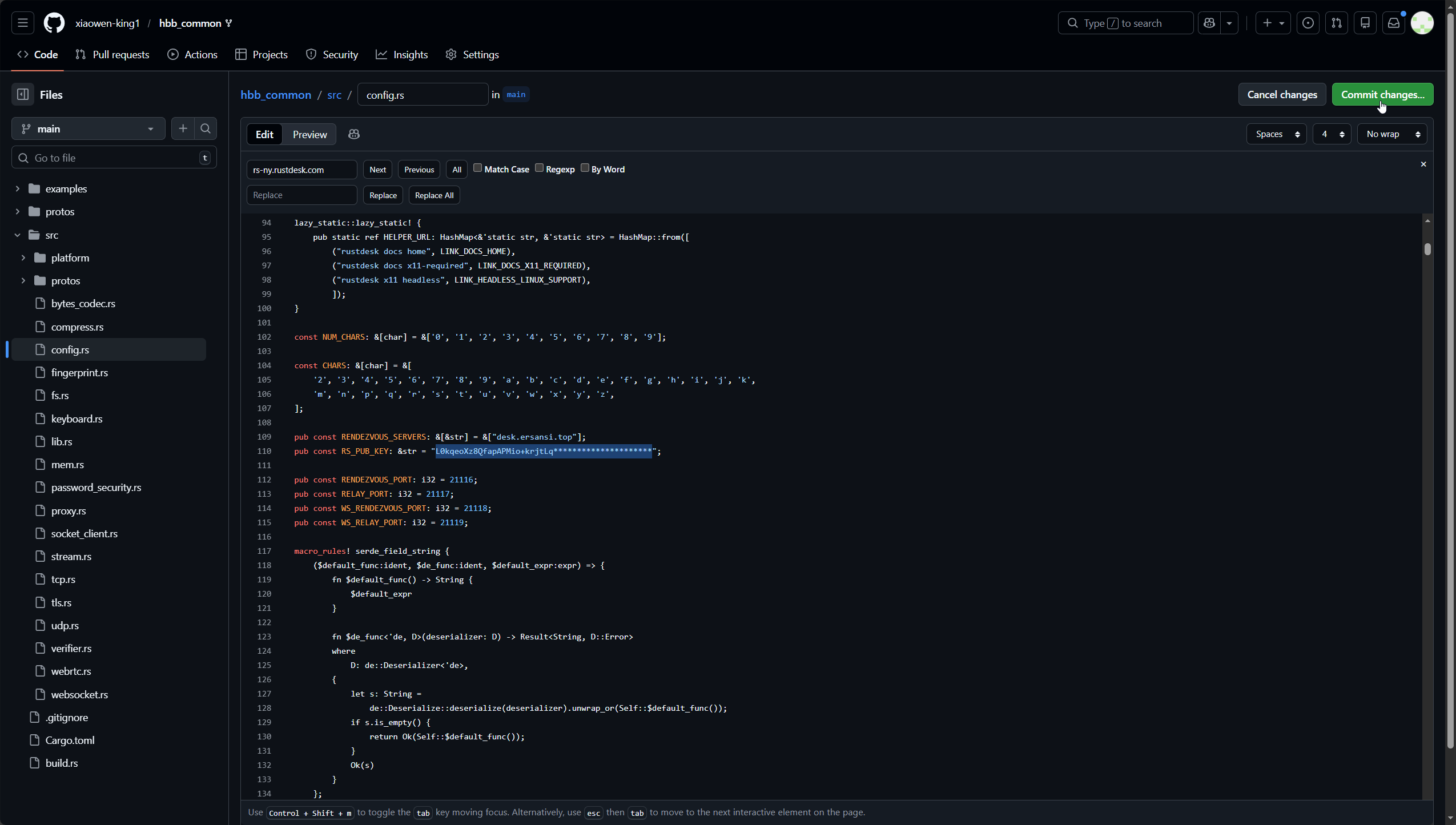
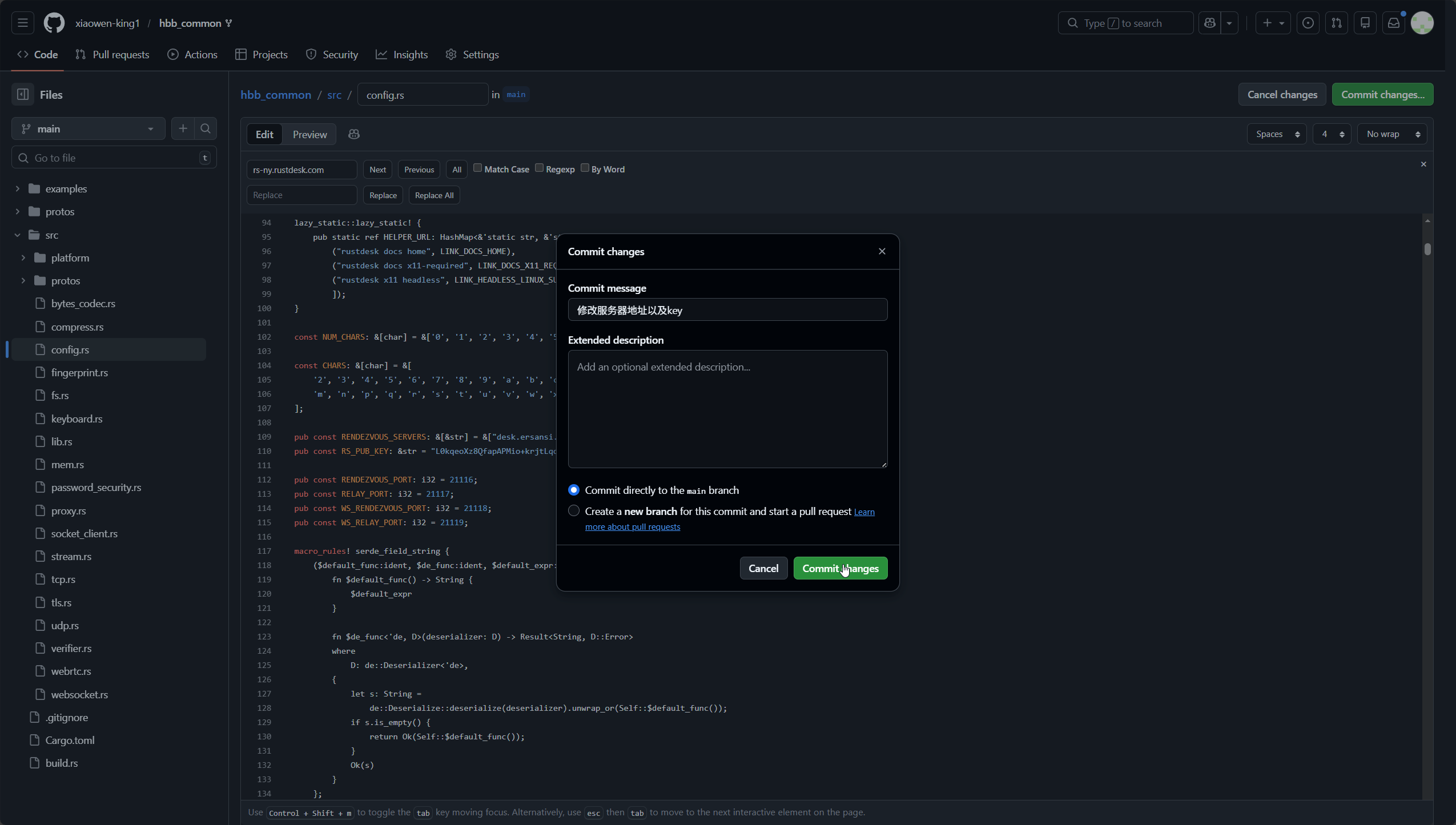
填写备注,然后点击绿色的Commit changes保存
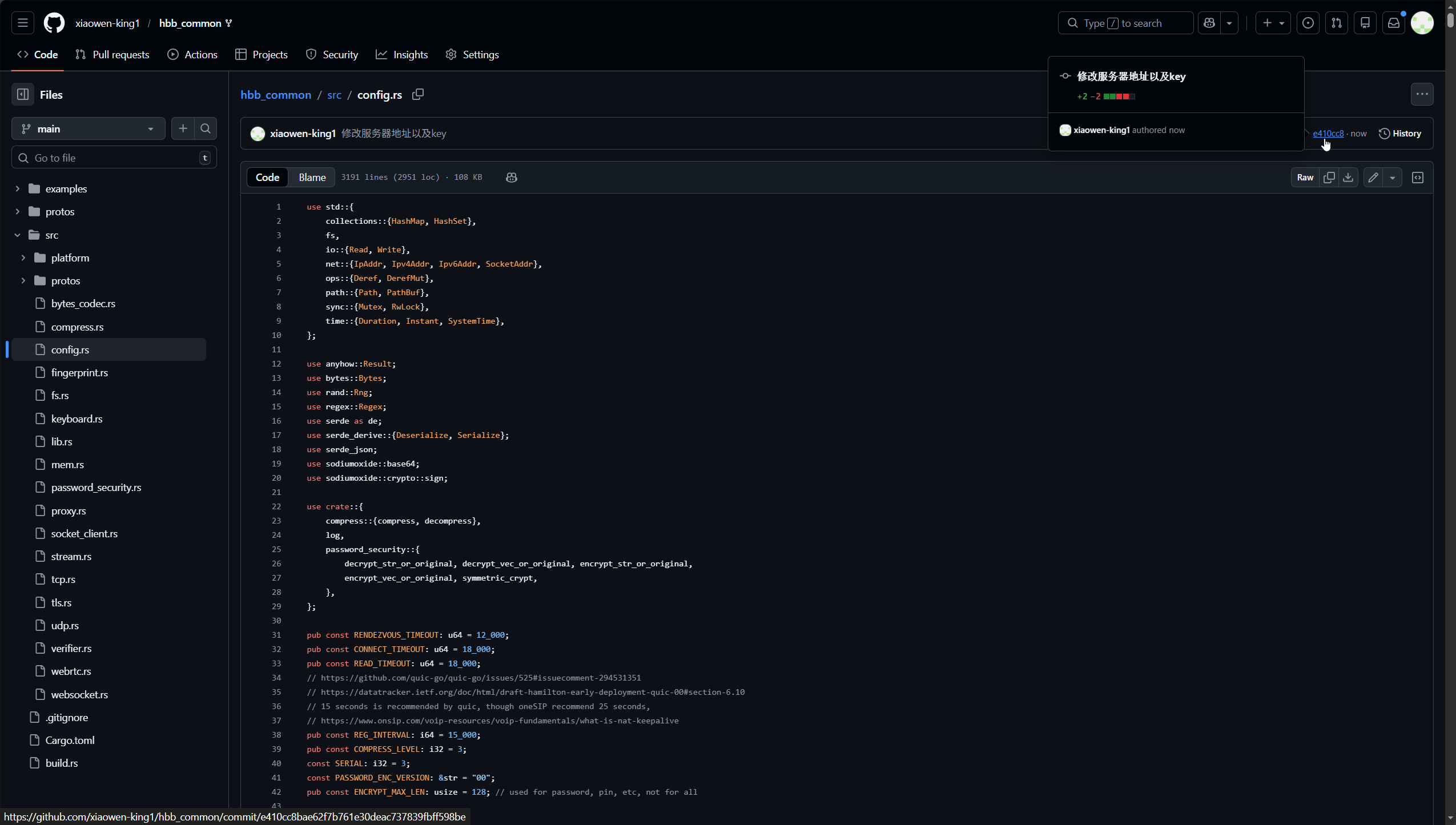
点击右上角的ID打开修改详情
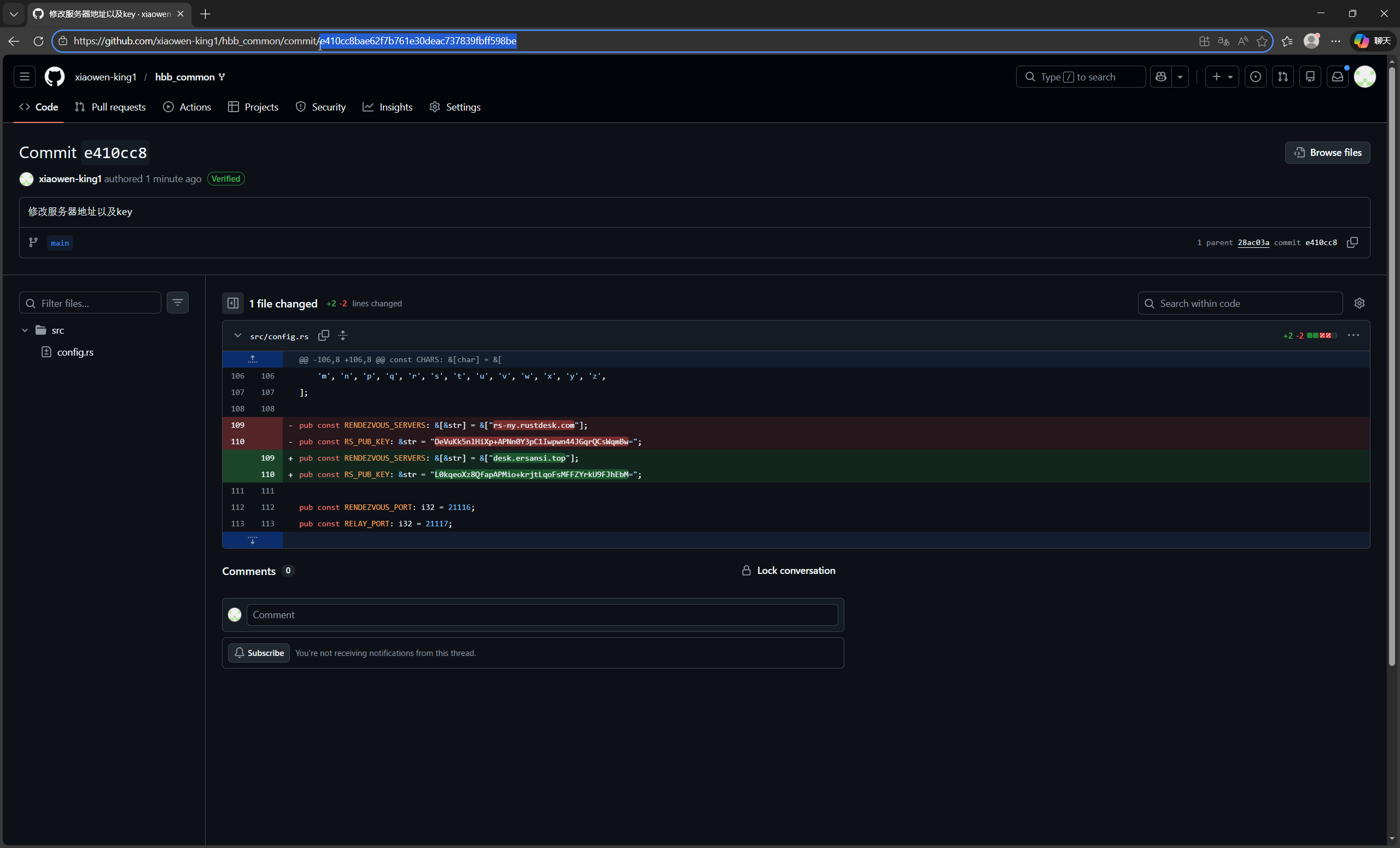
然后把地址栏上的hash值复制记录下来,待会有用
修改api地址
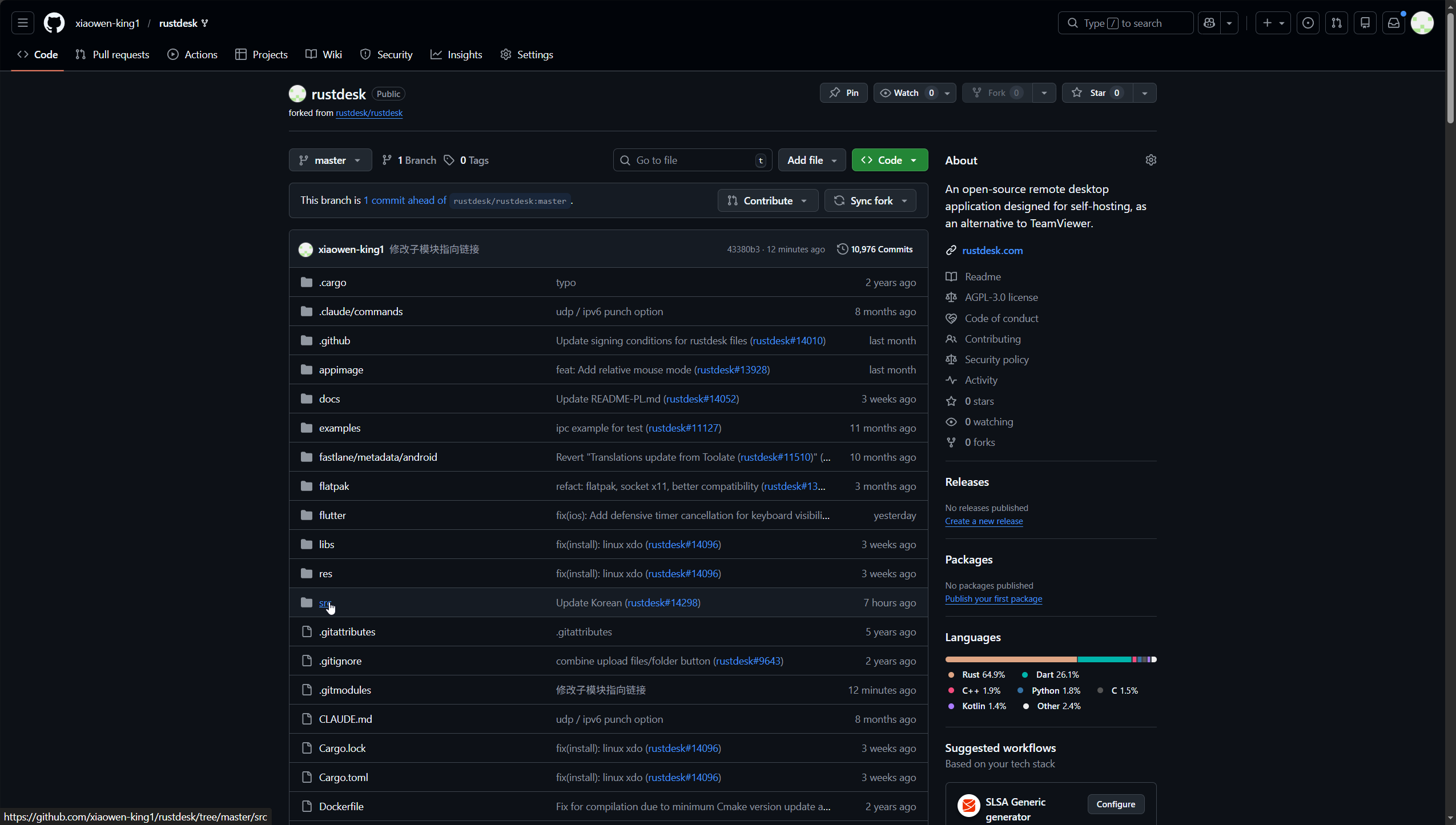
返回克隆好的rustdesk仓库,点击进入src目录
点击打开common.rs文件
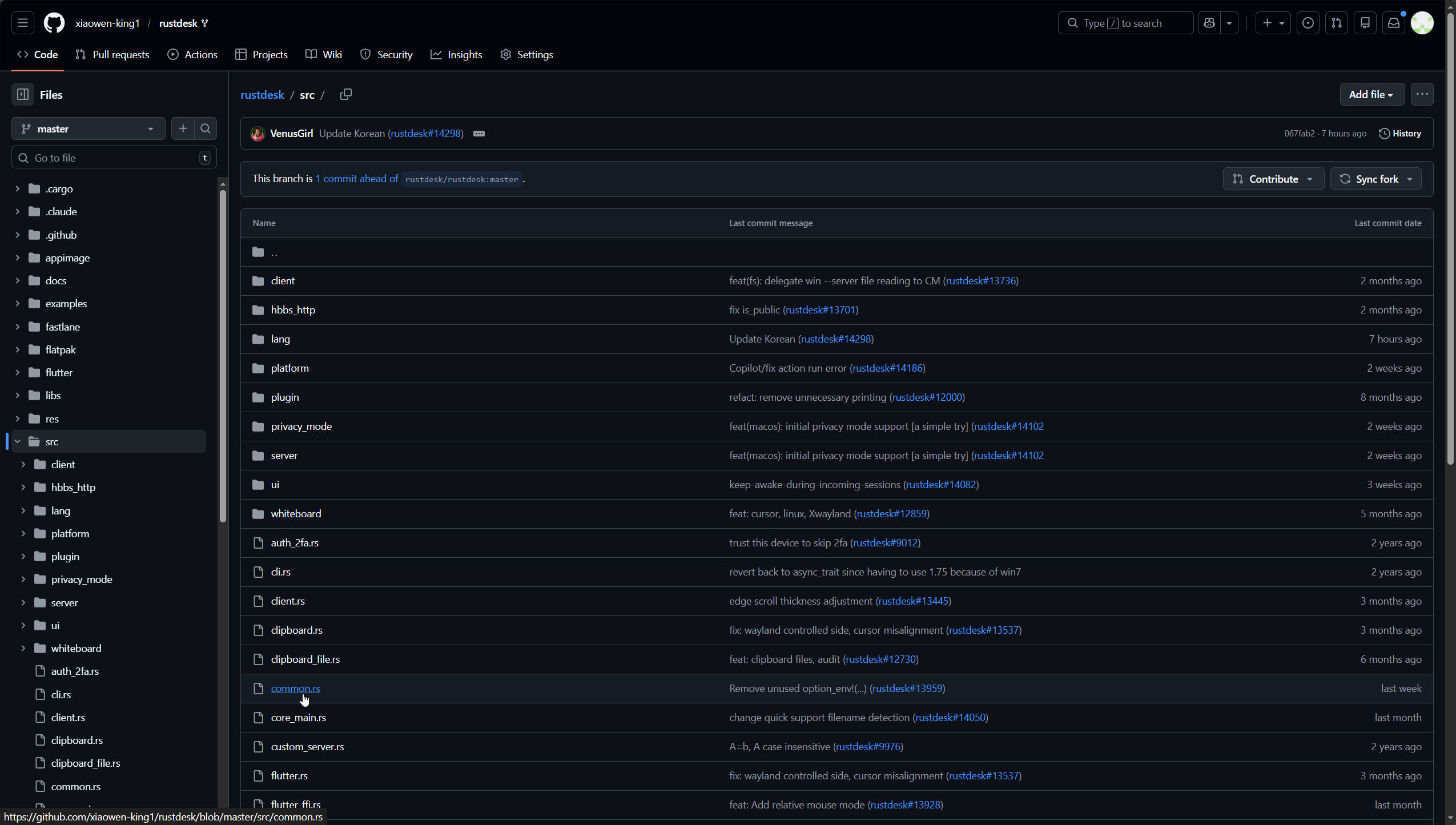
点击右上角的铅笔图标,进入编辑模式
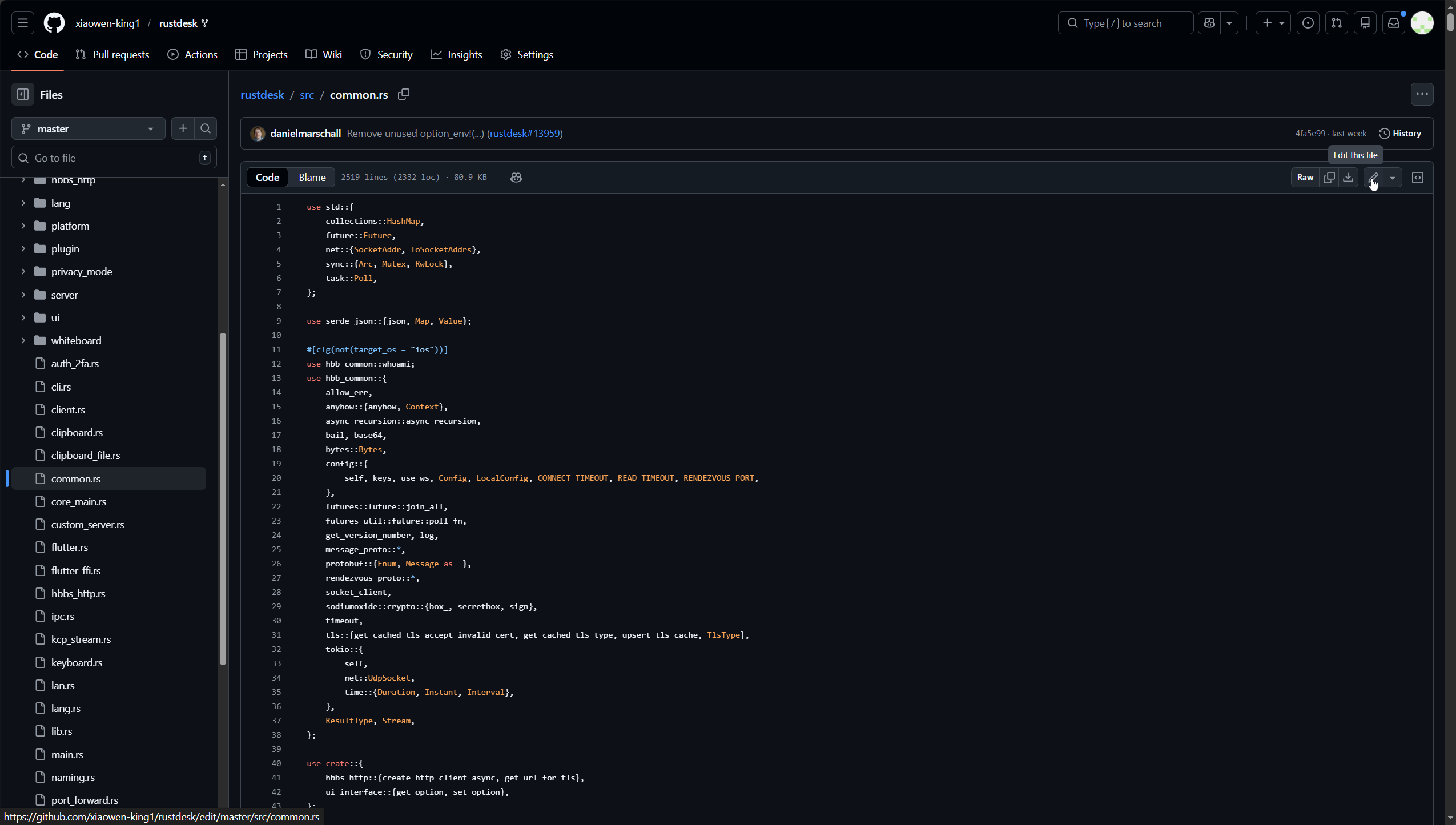
按键盘【Ctrl】+【F】搜索admin
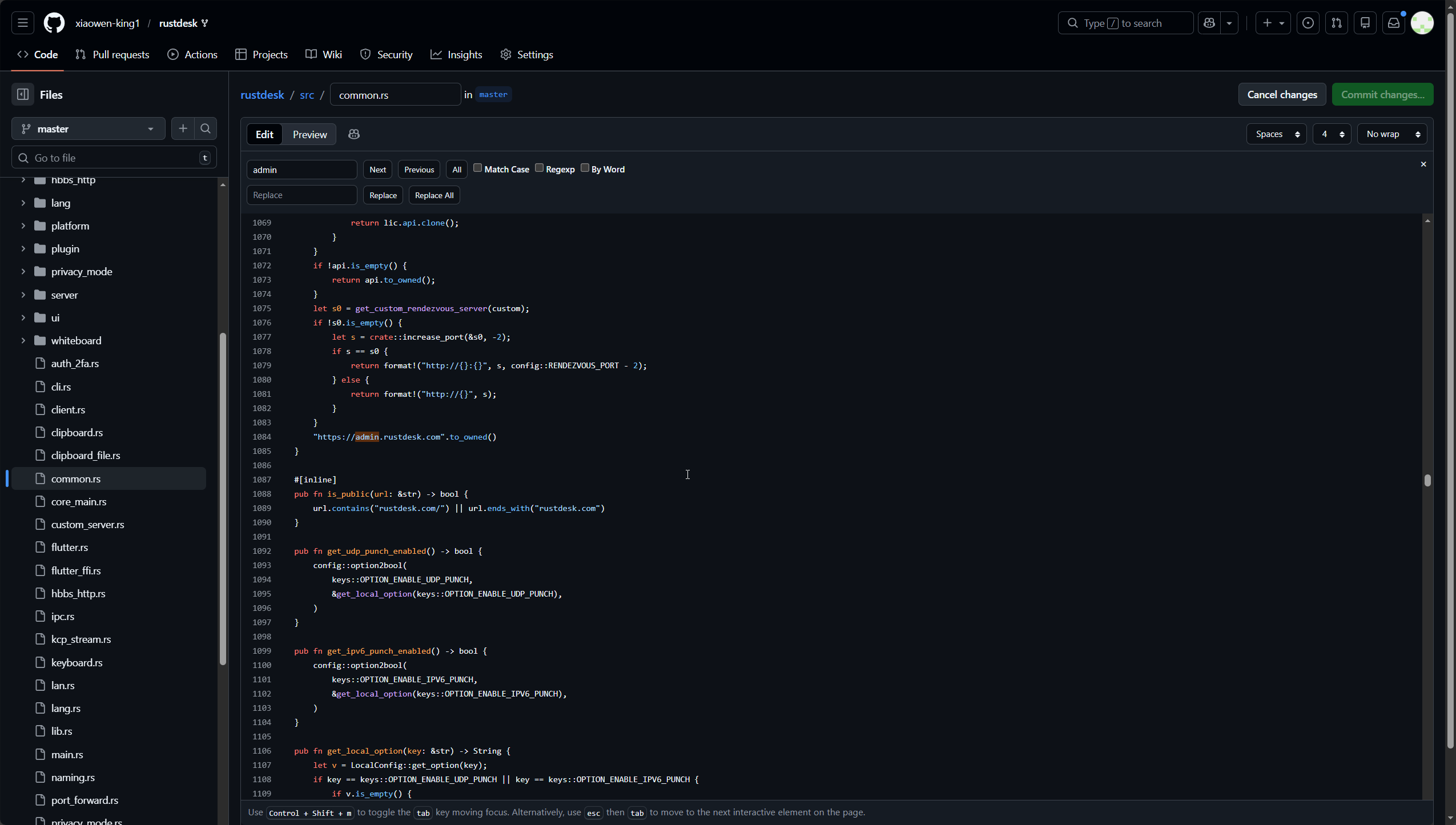
把这个网址替换成自己的服务器的api地址,然后点击右上角绿色的Commit changes...保存
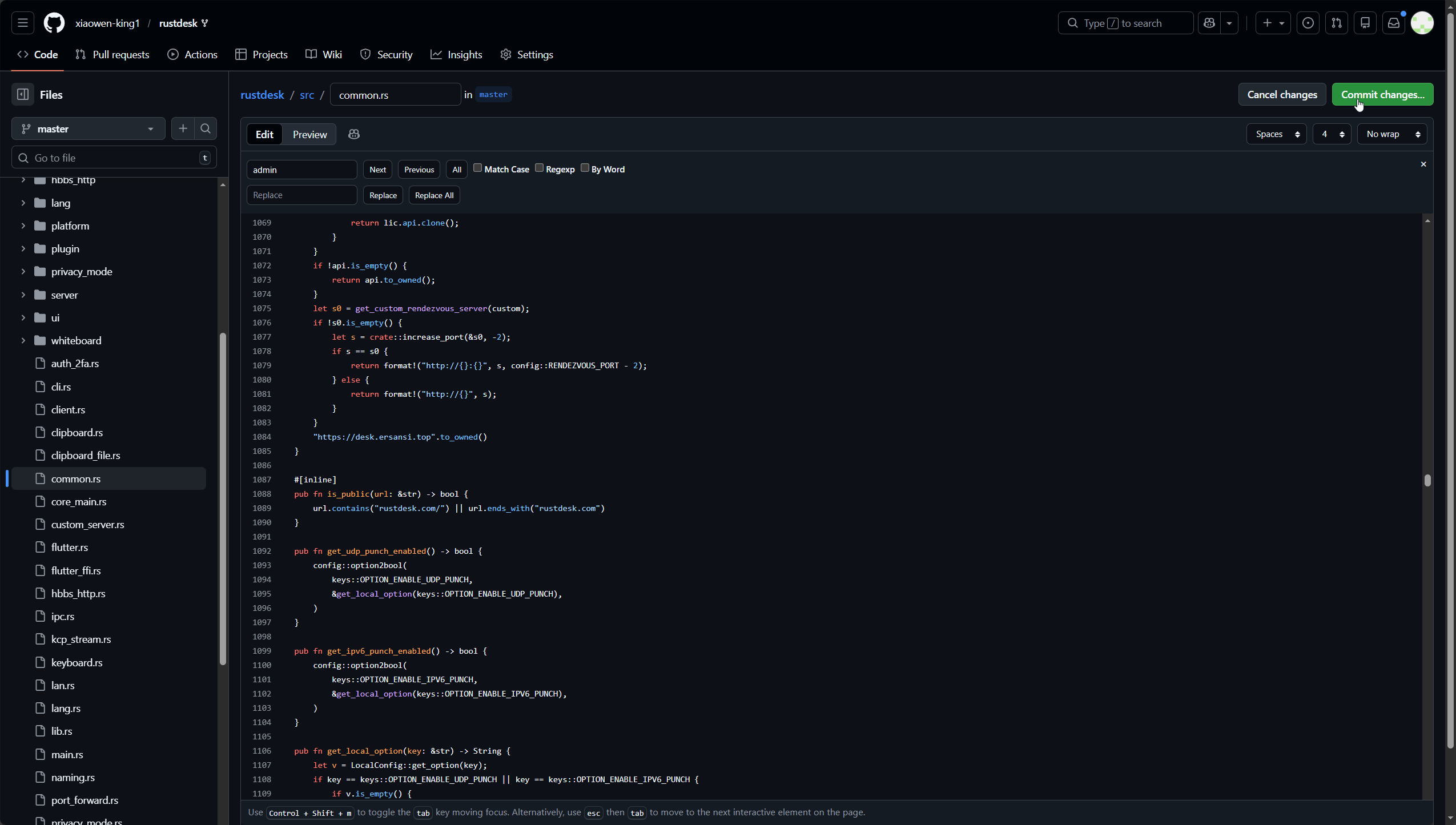
填写备注,然后点击绿色的Commit changes保存
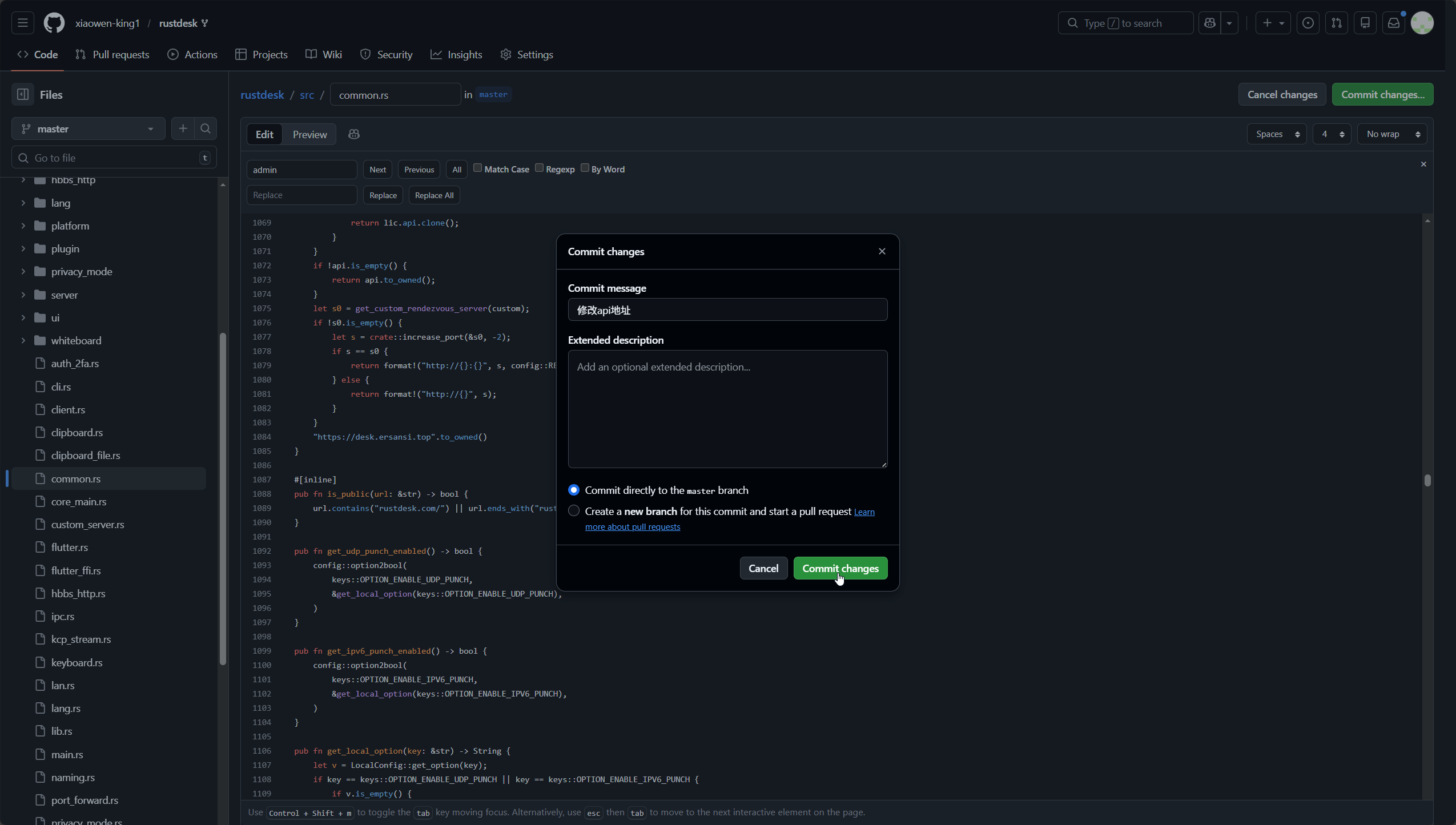
创建github的token
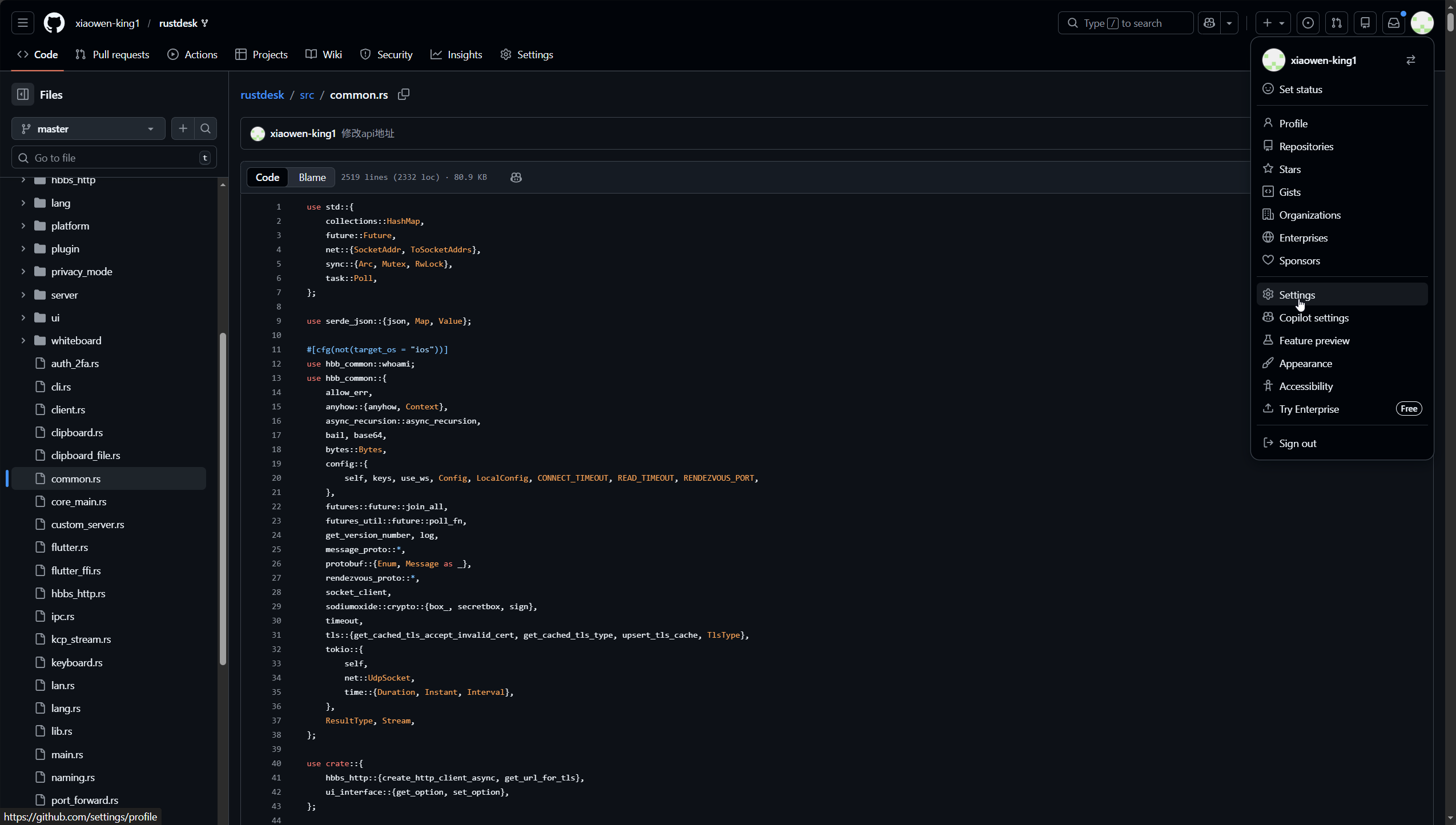
点击github的头像,选择Settings
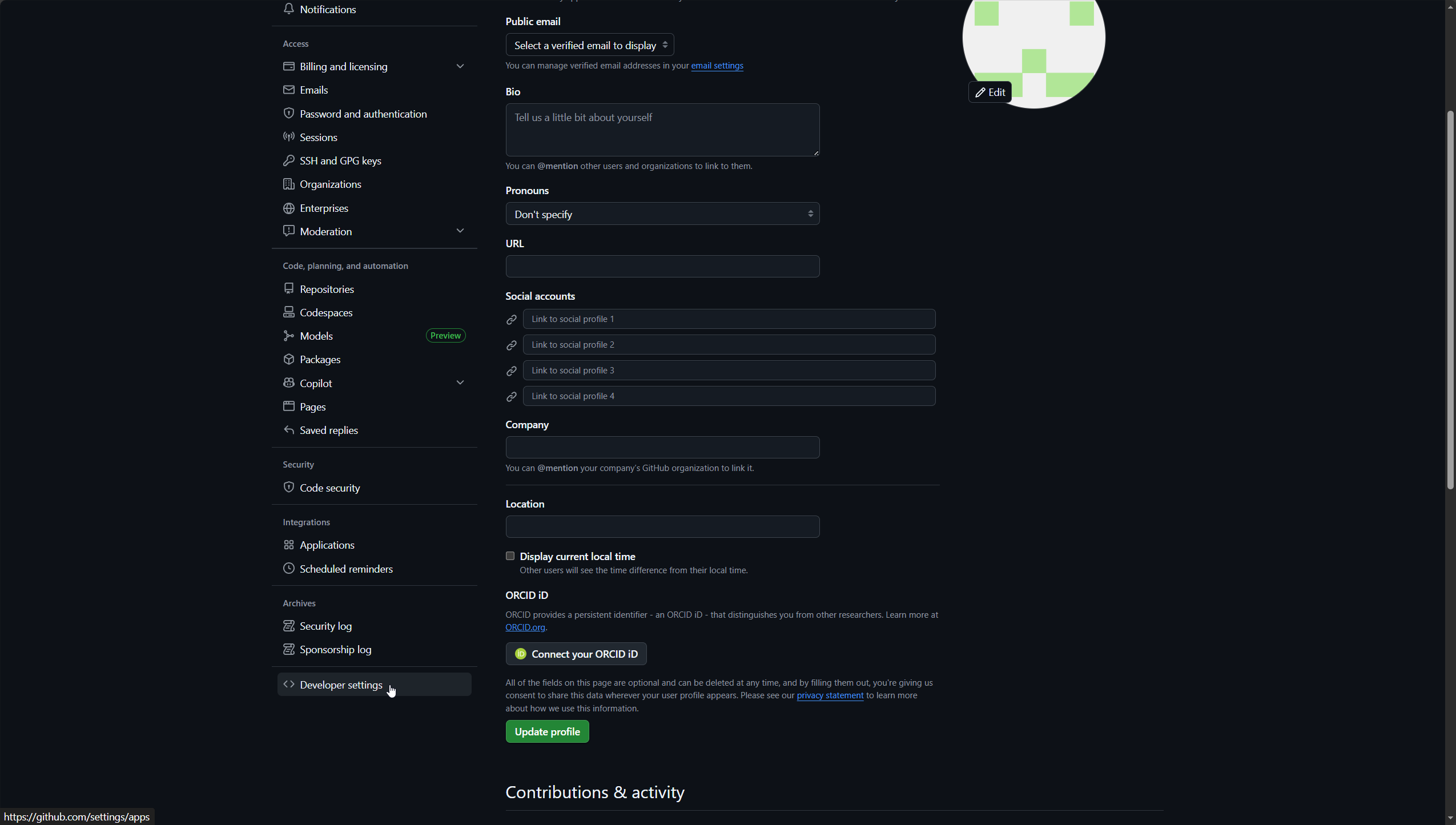
滑倒底部,点击Developer settings
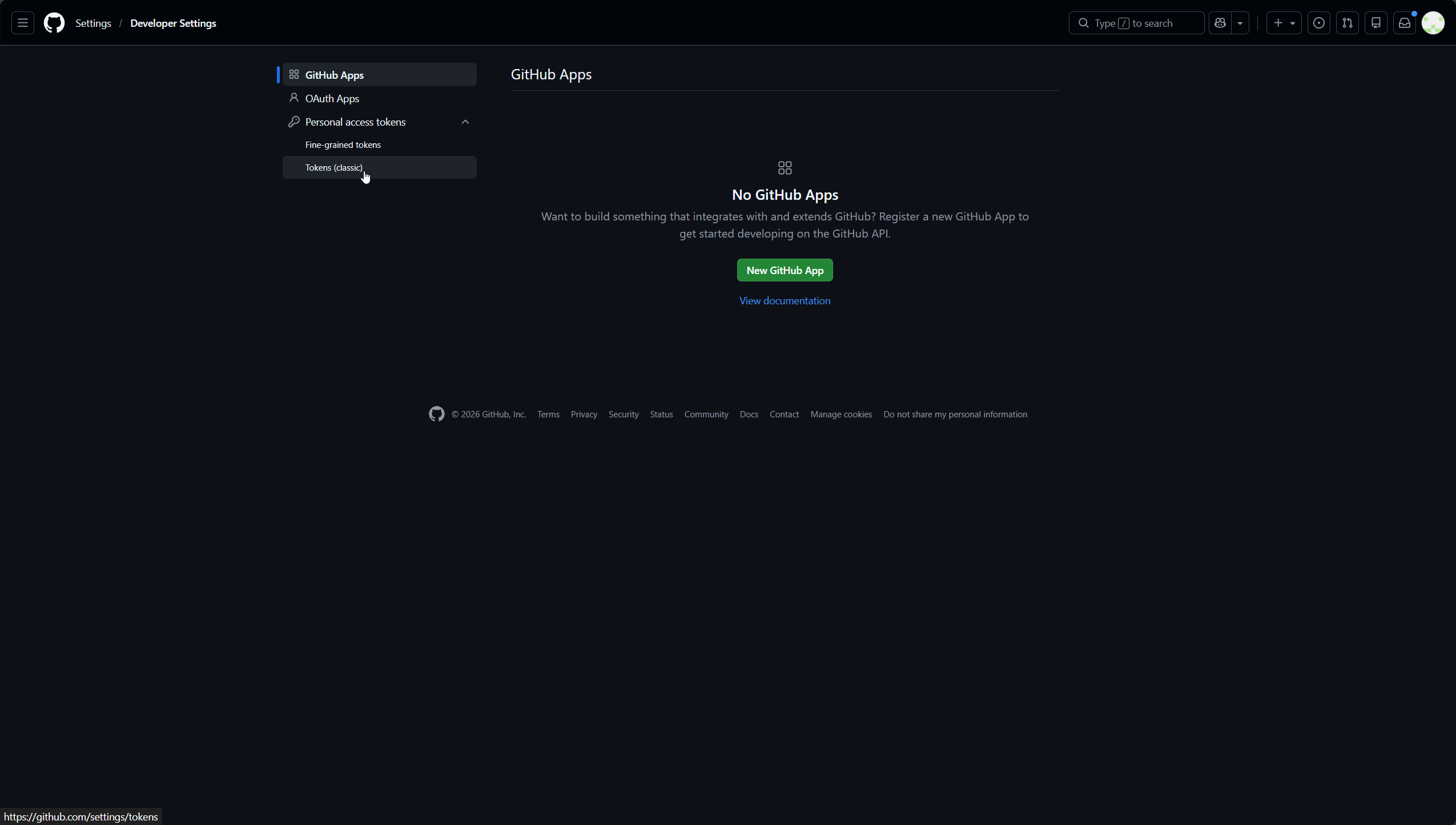
点击Personal access tokens下的Tokens (classic)
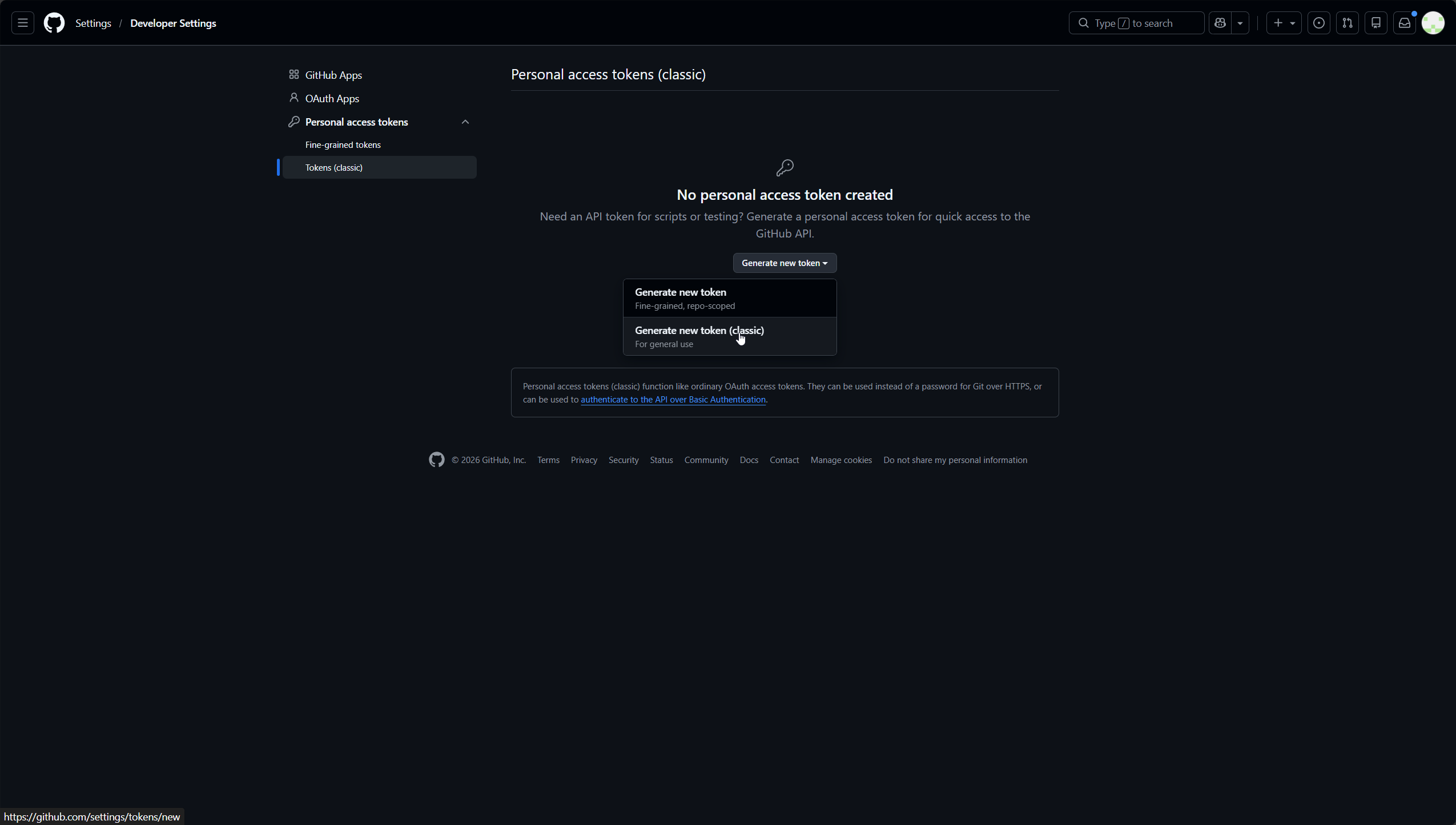
点击 Generate new token下的Generate new token (classic)
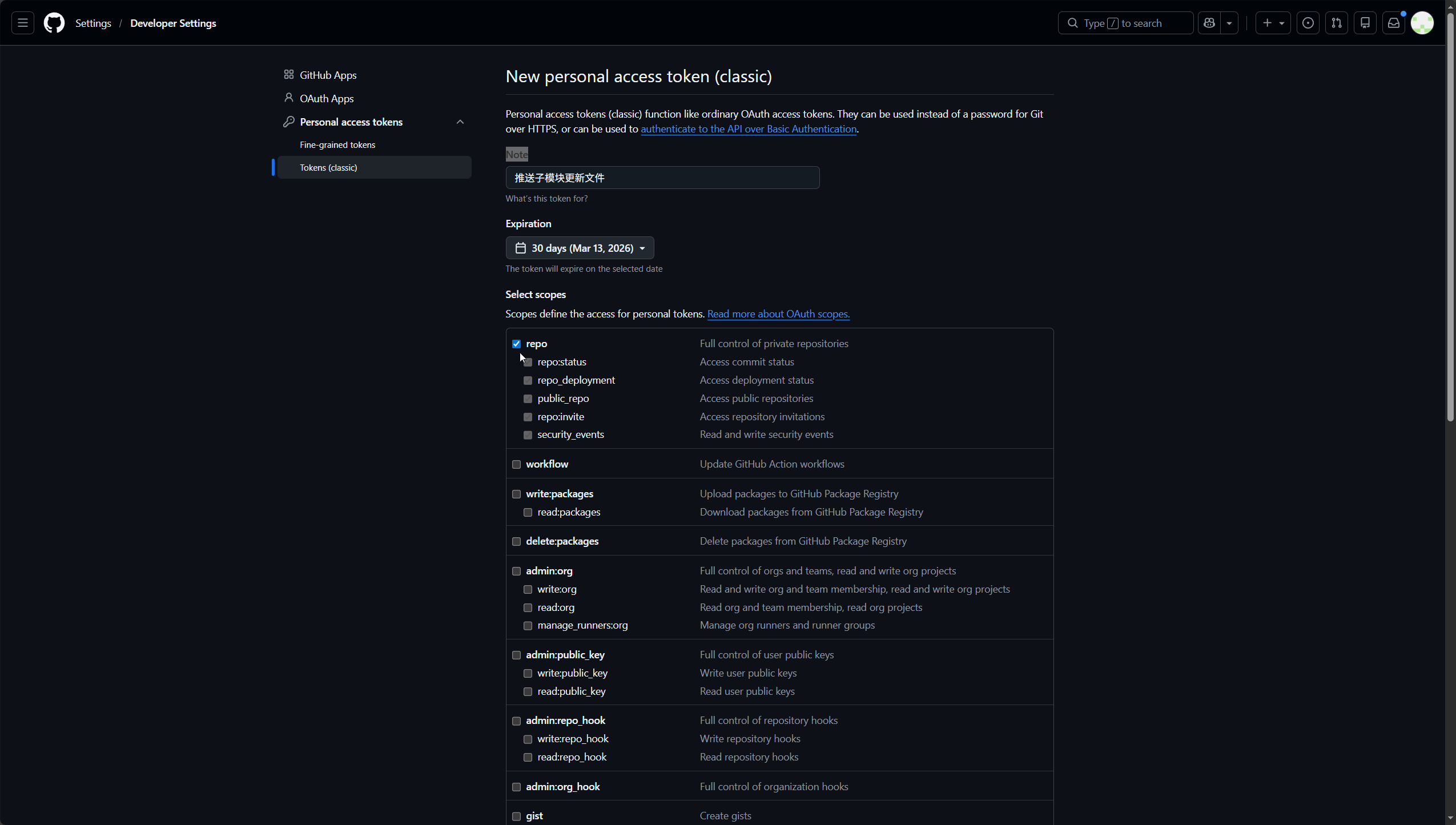
Note随便填写,然后勾选repo
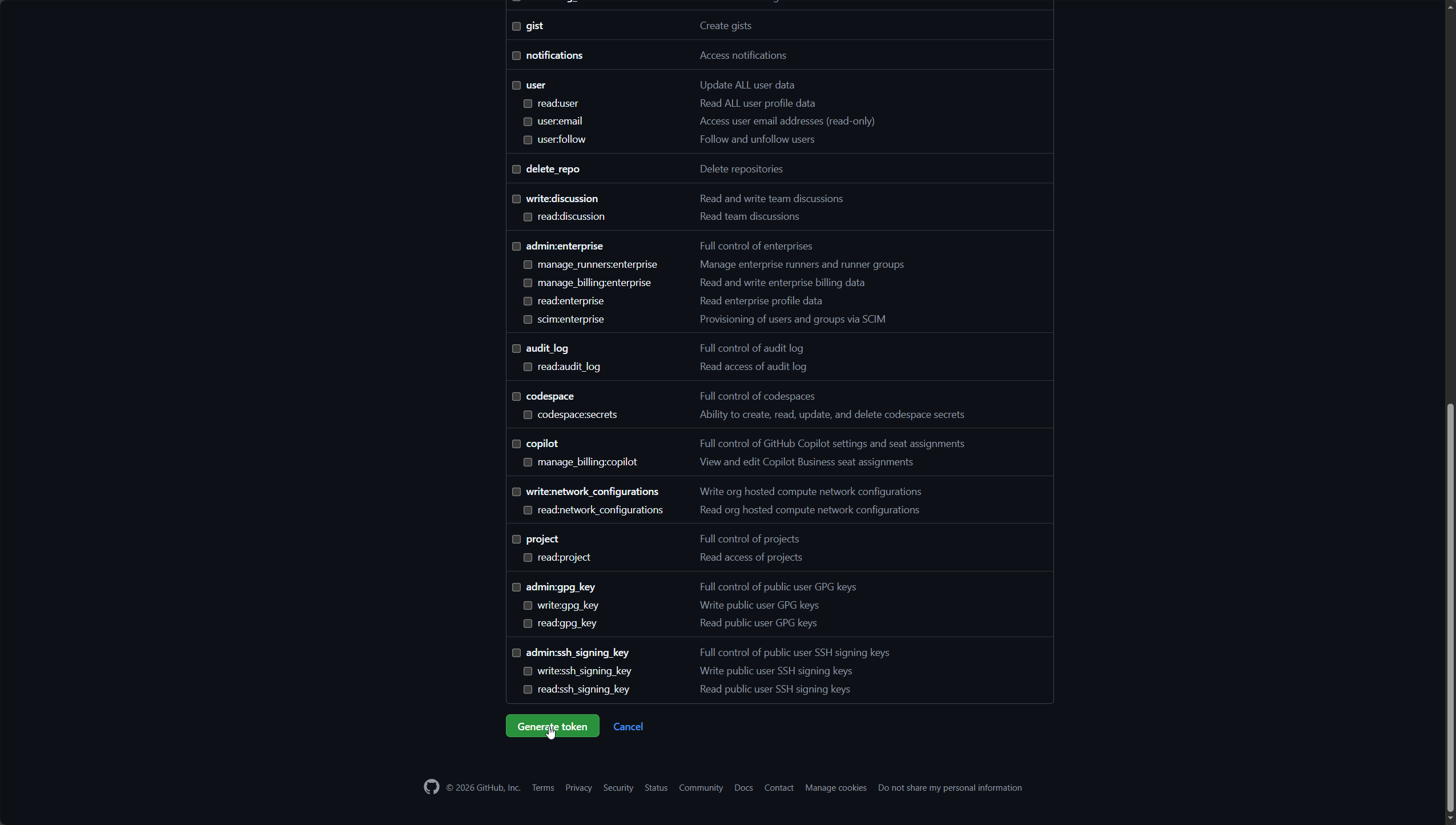
滑倒底部,点击Generate token
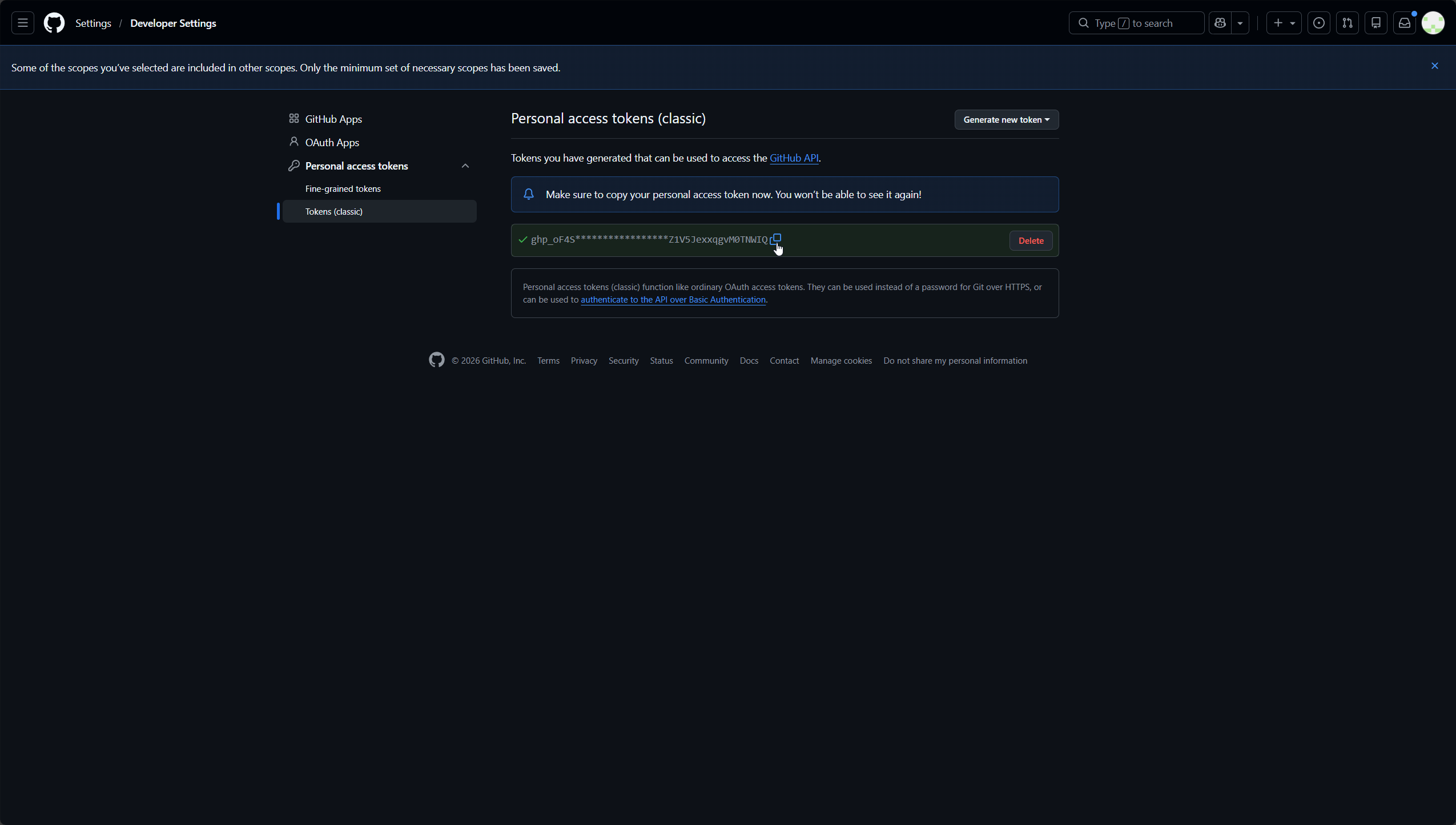
点击生成的token旁边的复制按钮复制,然后保存到记事本之类的地方,待会有用
推送子模块更新文件
进入fork好的rustdesk仓库
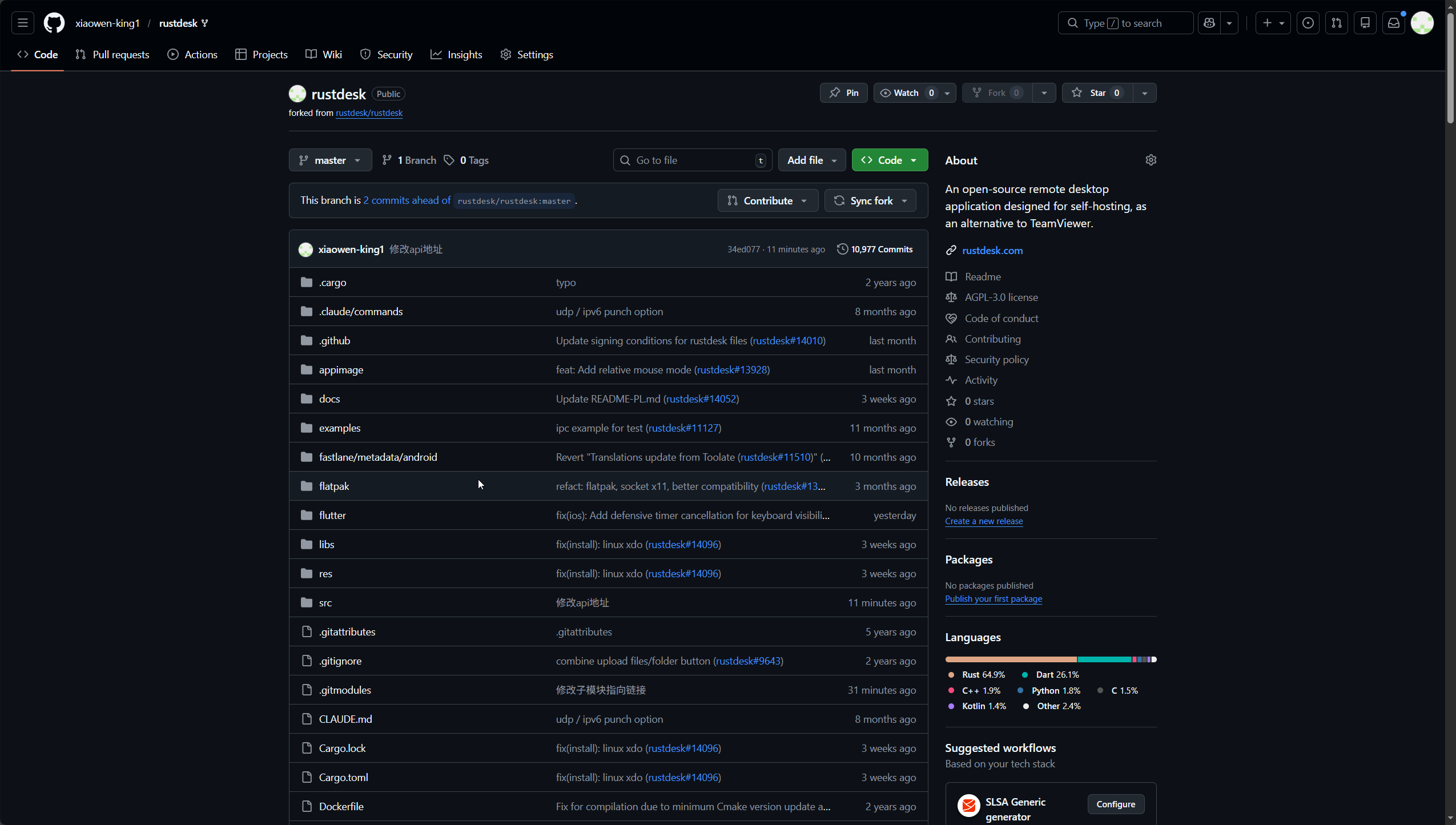
然后复制下面代码到记事本中,方便修改
// 替换为您的实际信息
const owner = 'Github用户名';
const repo = '仓库名称';
const submodulePath = 'libs/hbb_common';
const newCommitHash = '刚刚记录的hash值';
const branch = 'master';

async function updateSubmodule() {
  try {
    // 获取 GitHub Token
    const token = prompt('请输入您的GitHub Personal Access Token (需要repo权限):');
    if (!token) {
      alert('需要Token才能继续');
      return;
    }

    // 注意:这里的反引号是关键
    const headers = {
      'Authorization': `token ${token}`,
      'Content-Type': 'application/json',
      'Accept': 'application/vnd.github.v3+json'
    };

    console.log('1. 获取分支引用...');
    const refResponse = await fetch(`https://api.github.com/repos/${owner}/${repo}/git/refs/heads/${branch}`, {
      headers: headers
    });

    if (!refResponse.ok) {
      throw new Error(`获取分支引用失败: ${refResponse.status} ${refResponse.statusText}`);
    }

    const refData = await refResponse.json();
    const currentCommitSha = refData.object.sha;
    console.log('当前提交SHA:', currentCommitSha);

    console.log('2. 获取提交对象...');
    const commitResponse = await fetch(`https://api.github.com/repos/${owner}/${repo}/git/commits/${currentCommitSha}`, {
      headers: headers
    });

    if (!commitResponse.ok) {
      throw new Error(`获取提交对象失败: ${commitResponse.status} ${commitResponse.statusText}`);
    }

    const commitData = await commitResponse.json();
    const treeSha = commitData.tree.sha;

    console.log('3. 创建新树...');
    const treeResponse = await fetch(`https://api.github.com/repos/${owner}/${repo}/git/trees`, {
      method: 'POST',
      headers: headers,
      body: JSON.stringify({
        base_tree: treeSha,
        tree: [
          {
            path: submodulePath,
            mode: '160000', // 子模块模式
            type: 'commit',
            sha: newCommitHash
          }
        ]
      })
    });

    if (!treeResponse.ok) {
      const errorText = await treeResponse.text();
      throw new Error(`创建树失败: ${treeResponse.status} - ${errorText}`);
    }

    const treeData = await treeResponse.json();

    console.log('4. 创建新提交...');
    const newCommitResponse = await fetch(`https://api.github.com/repos/${owner}/${repo}/git/commits`, {
      method: 'POST',
      headers: headers,
      body: JSON.stringify({
        message: `Update ${submodulePath} submodule to ${newCommitHash.substring(0, 8)}`,
        tree: treeData.sha,
        parents: [currentCommitSha]
      })
    });

    const newCommitData = await newCommitResponse.json();

    console.log('5. 更新分支引用...');
    const updateRefResponse = await fetch(`https://api.github.com/repos/${owner}/${repo}/git/refs/heads/${branch}`, {
      method: 'PATCH',
      headers: headers,
      body: JSON.stringify({
        sha: newCommitData.sha,
        force: false
      })
    });

    if (!updateRefResponse.ok) {
      throw new Error('更新引用失败');
    }

    alert(`✅ 子模块更新成功!\n新提交: ${newCommitData.sha.substring(0, 8)}`);

  } catch (error) {
    console.error('错误:', error);
    alert(`❌ 更新失败: ${error.message}`);
  }
}

updateSubmodule();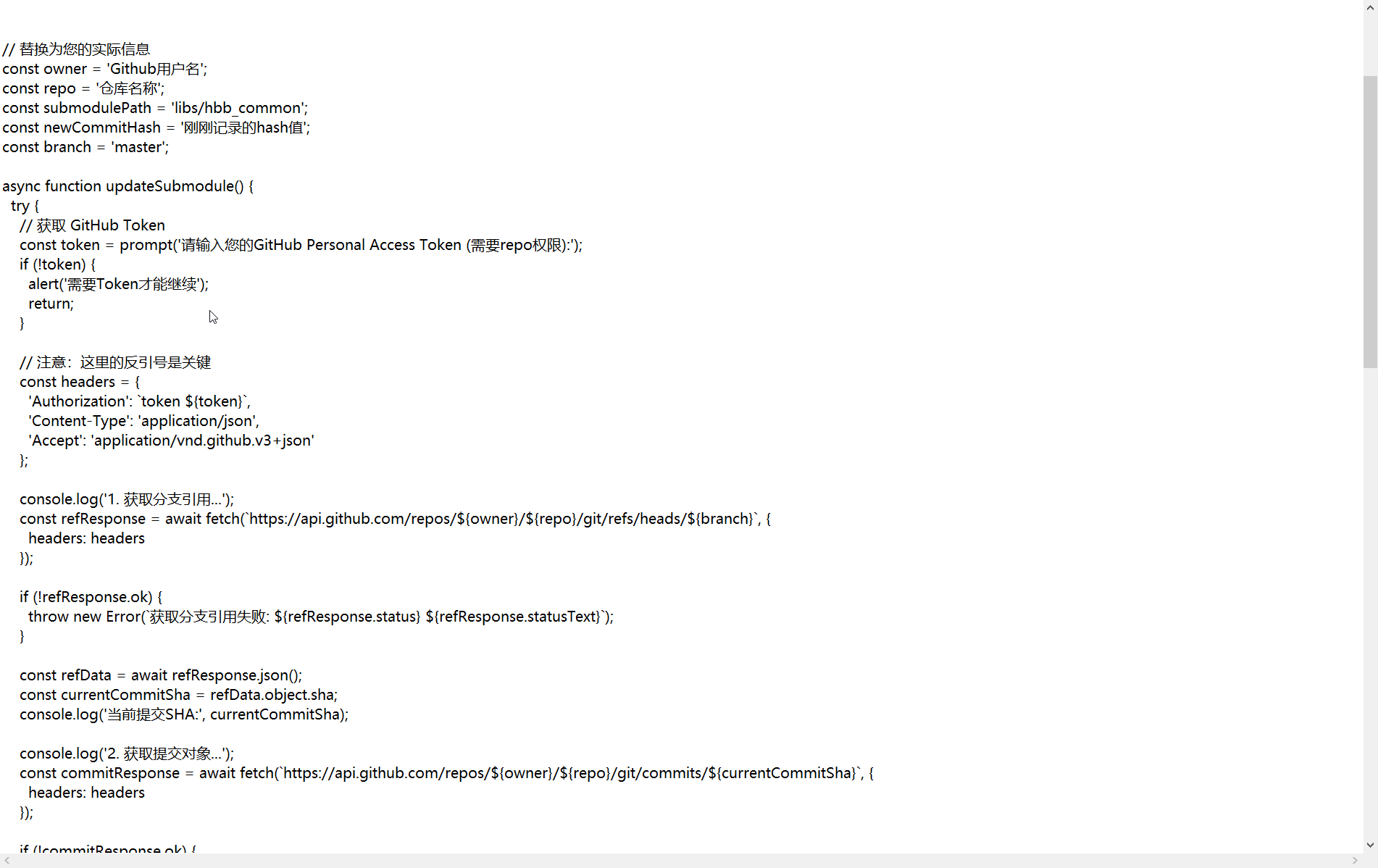
需要修改2、3、5行
第二行改成自己的github的用户名
第三行改成仓库名称
第五行改成刚刚复制的hash值
下面是我修改好后的代码
// 替换为您的实际信息
const owner = 'xiaowen-king1';
const repo = 'rustdesk';
const submodulePath = 'libs/hbb_common';
const newCommitHash = 'e410cc8bae62f7b761e30deac737839fbff598be';
const branch = 'master';

async function updateSubmodule() {
  try {
    // 获取 GitHub Token
    const token = prompt('请输入您的GitHub Personal Access Token (需要repo权限):');
    if (!token) {
      alert('需要Token才能继续');
      return;
    }

    // 注意:这里的反引号是关键
    const headers = {
      'Authorization': `token ${token}`,
      'Content-Type': 'application/json',
      'Accept': 'application/vnd.github.v3+json'
    };

    console.log('1. 获取分支引用...');
    const refResponse = await fetch(`https://api.github.com/repos/${owner}/${repo}/git/refs/heads/${branch}`, {
      headers: headers
    });

    if (!refResponse.ok) {
      throw new Error(`获取分支引用失败: ${refResponse.status} ${refResponse.statusText}`);
    }

    const refData = await refResponse.json();
    const currentCommitSha = refData.object.sha;
    console.log('当前提交SHA:', currentCommitSha);

    console.log('2. 获取提交对象...');
    const commitResponse = await fetch(`https://api.github.com/repos/${owner}/${repo}/git/commits/${currentCommitSha}`, {
      headers: headers
    });

    if (!commitResponse.ok) {
      throw new Error(`获取提交对象失败: ${commitResponse.status} ${commitResponse.statusText}`);
    }

    const commitData = await commitResponse.json();
    const treeSha = commitData.tree.sha;

    console.log('3. 创建新树...');
    const treeResponse = await fetch(`https://api.github.com/repos/${owner}/${repo}/git/trees`, {
      method: 'POST',
      headers: headers,
      body: JSON.stringify({
        base_tree: treeSha,
        tree: [
          {
            path: submodulePath,
            mode: '160000', // 子模块模式
            type: 'commit',
            sha: newCommitHash
          }
        ]
      })
    });

    if (!treeResponse.ok) {
      const errorText = await treeResponse.text();
      throw new Error(`创建树失败: ${treeResponse.status} - ${errorText}`);
    }

    const treeData = await treeResponse.json();

    console.log('4. 创建新提交...');
    const newCommitResponse = await fetch(`https://api.github.com/repos/${owner}/${repo}/git/commits`, {
      method: 'POST',
      headers: headers,
      body: JSON.stringify({
        message: `Update ${submodulePath} submodule to ${newCommitHash.substring(0, 8)}`,
        tree: treeData.sha,
        parents: [currentCommitSha]
      })
    });

    const newCommitData = await newCommitResponse.json();

    console.log('5. 更新分支引用...');
    const updateRefResponse = await fetch(`https://api.github.com/repos/${owner}/${repo}/git/refs/heads/${branch}`, {
      method: 'PATCH',
      headers: headers,
      body: JSON.stringify({
        sha: newCommitData.sha,
        force: false
      })
    });

    if (!updateRefResponse.ok) {
      throw new Error('更新引用失败');
    }

    alert(`✅ 子模块更新成功!\n新提交: ${newCommitData.sha.substring(0, 8)}`);

  } catch (error) {
    console.error('错误:', error);
    alert(`❌ 更新失败: ${error.message}`);
  }
}

updateSubmodule();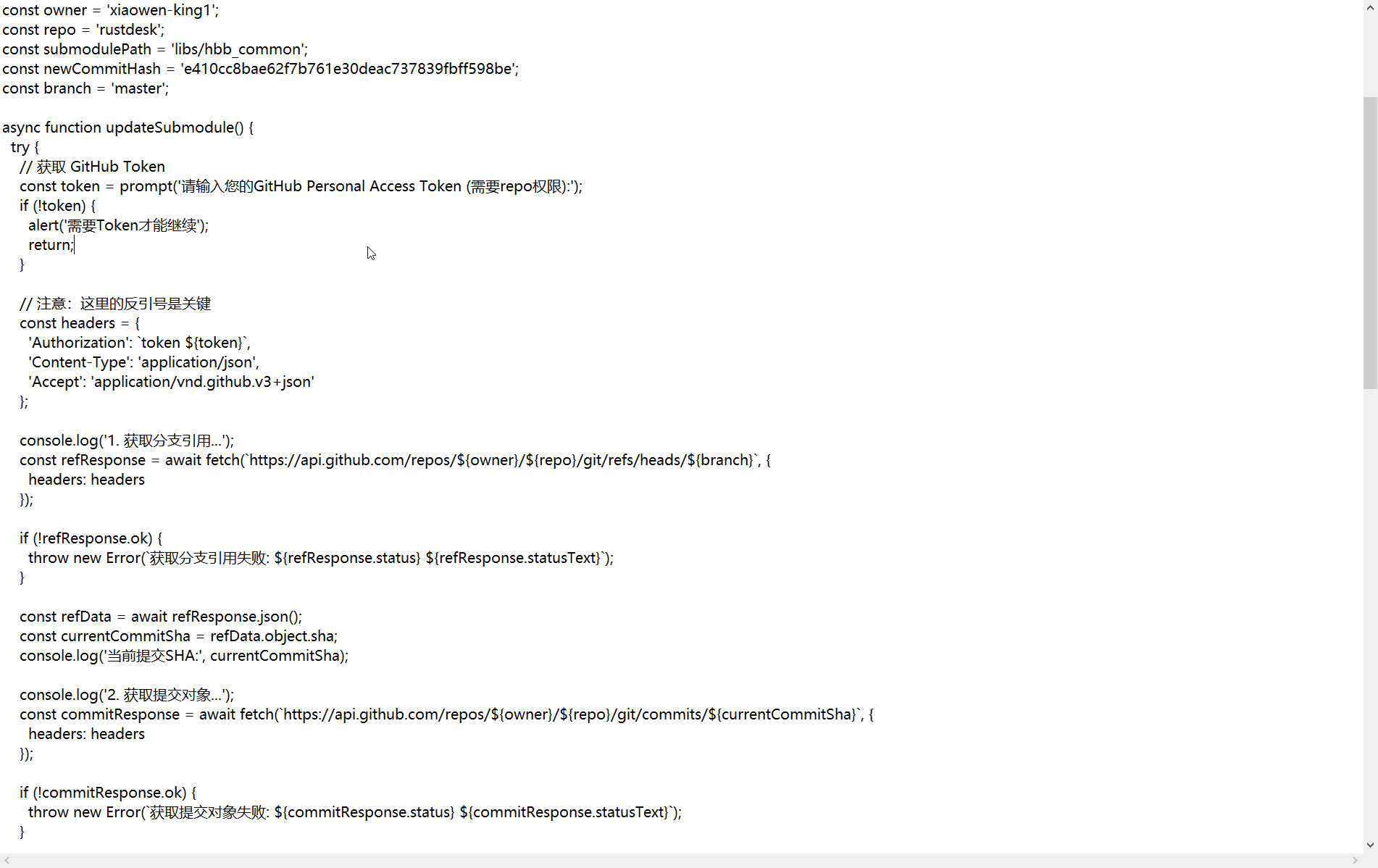
返回github的我们fork好的rustdesk仓库,然后按快捷键【Ctrl】+【Shift】+【i】打开浏览器控制台
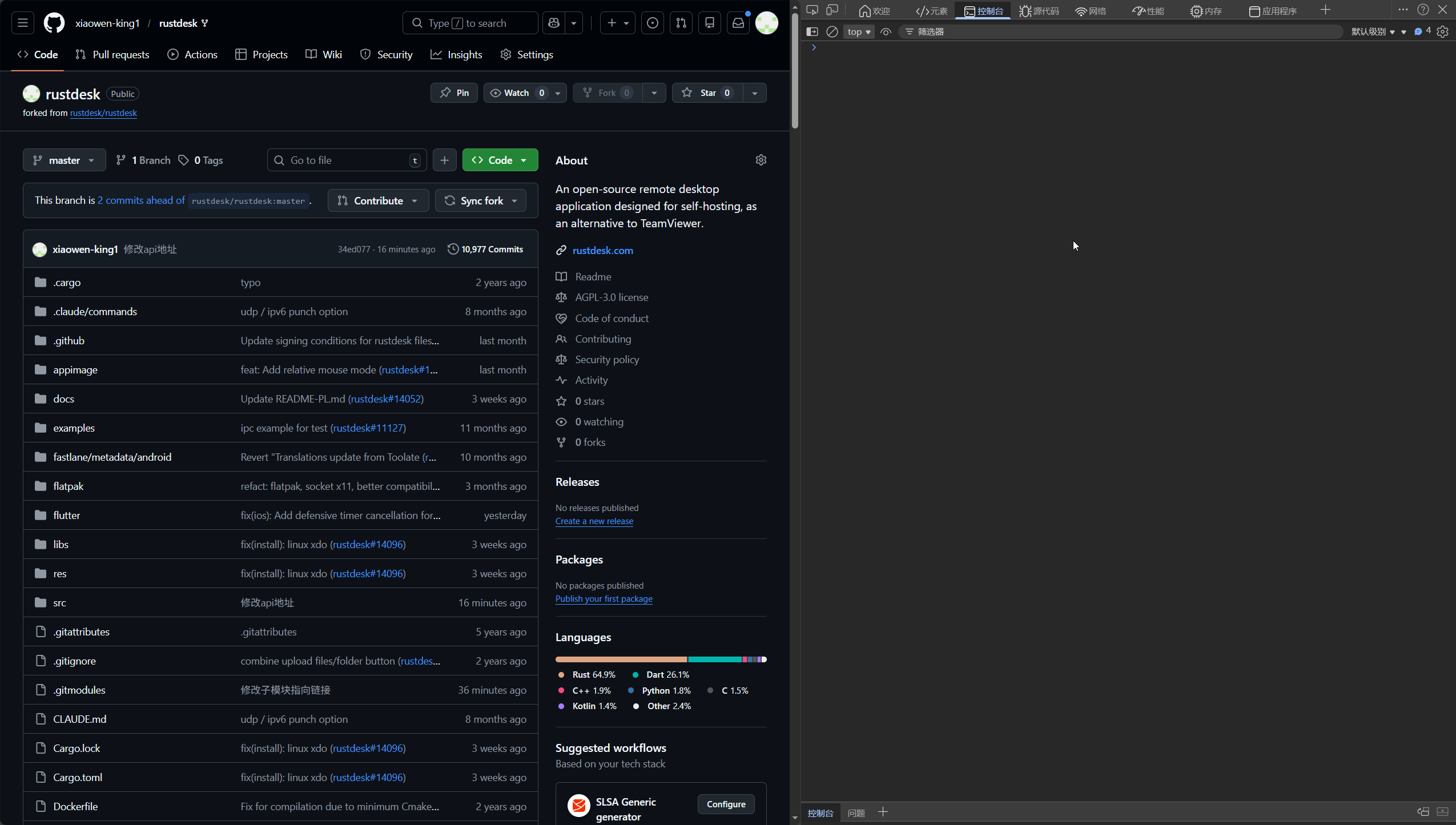
把修改好后的代码粘贴进去回车执行,根据提示输入刚刚生成的token,然后点击确定
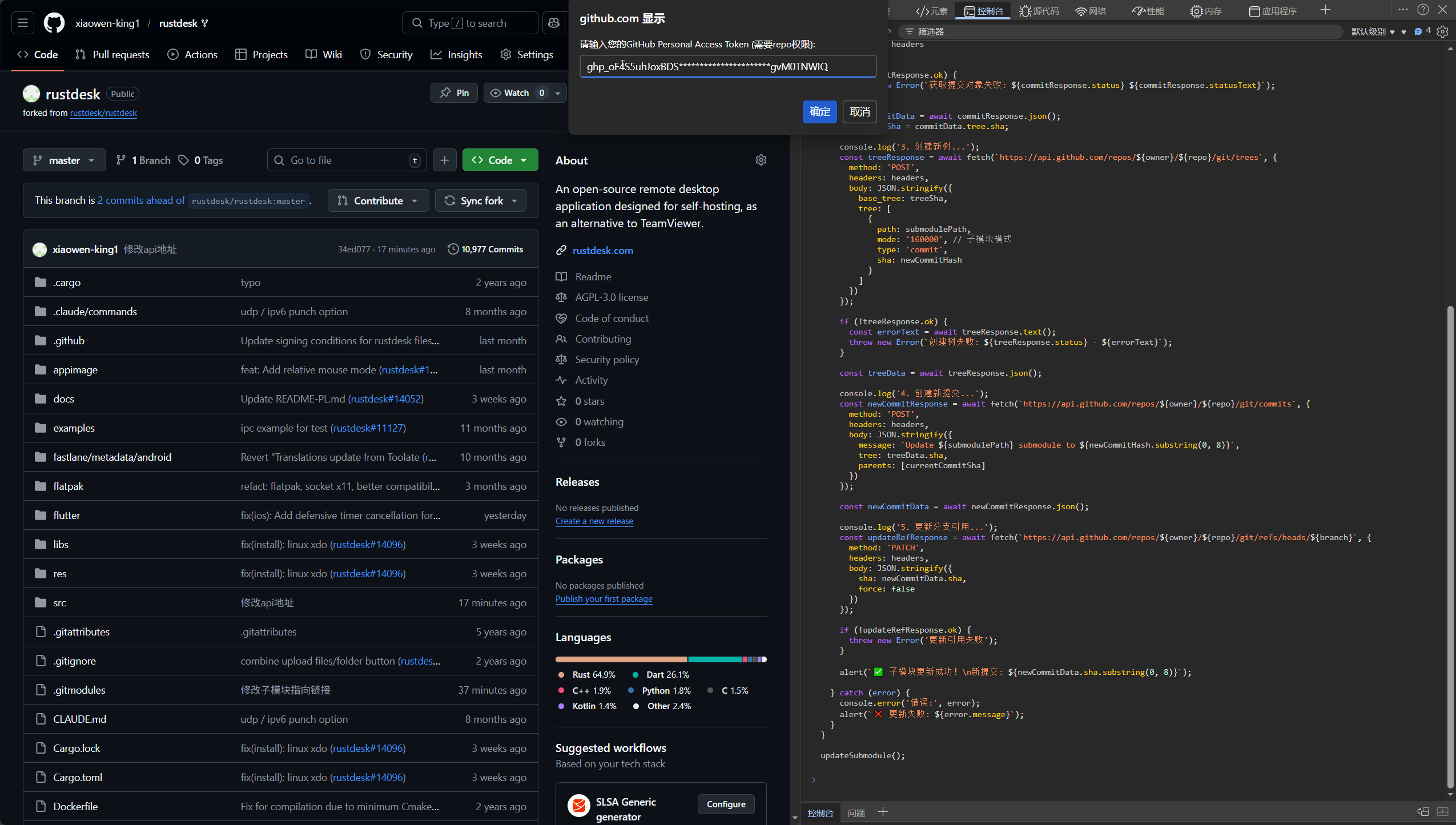
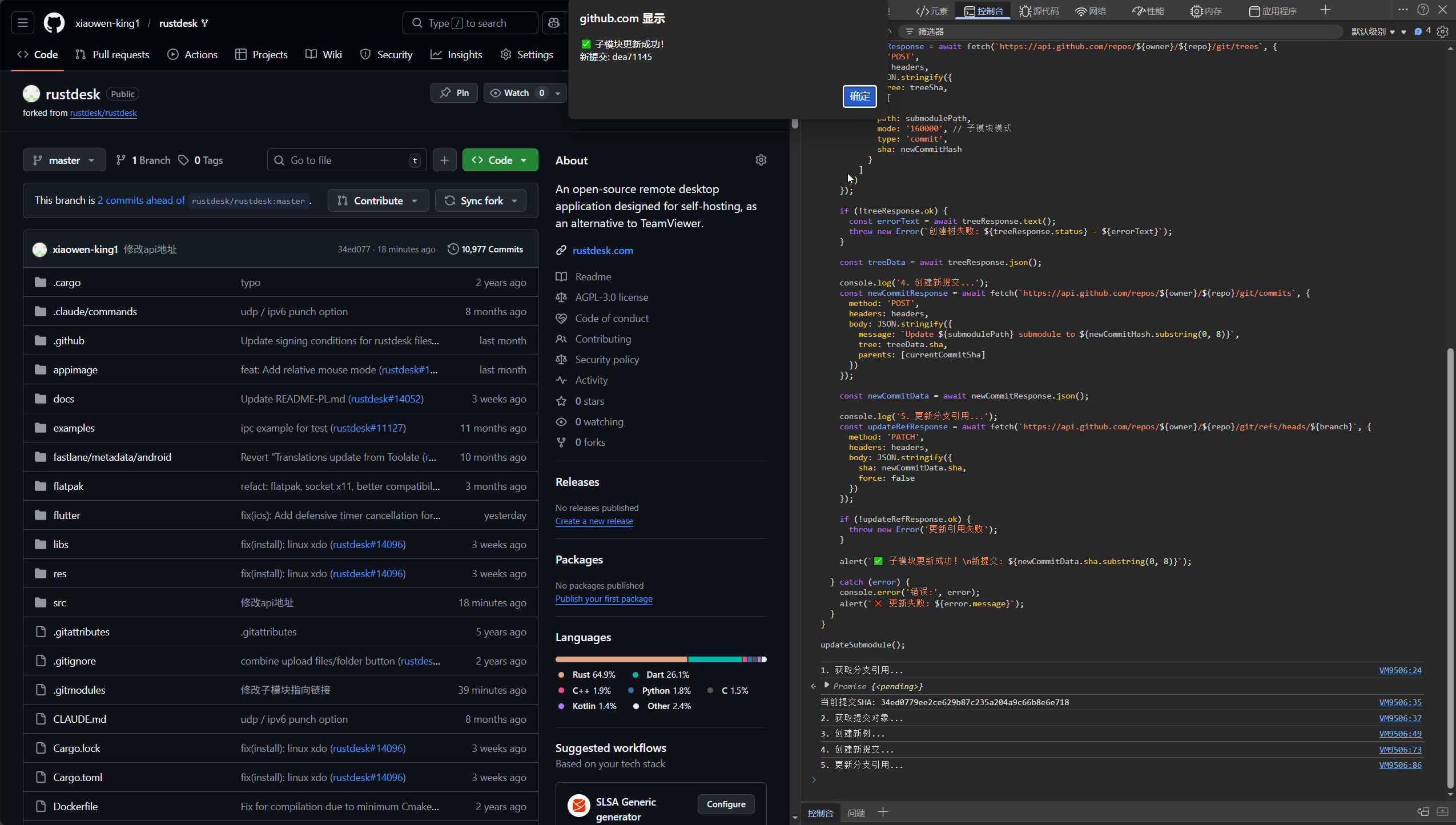
提示成功后完成,点击确定
开始编译
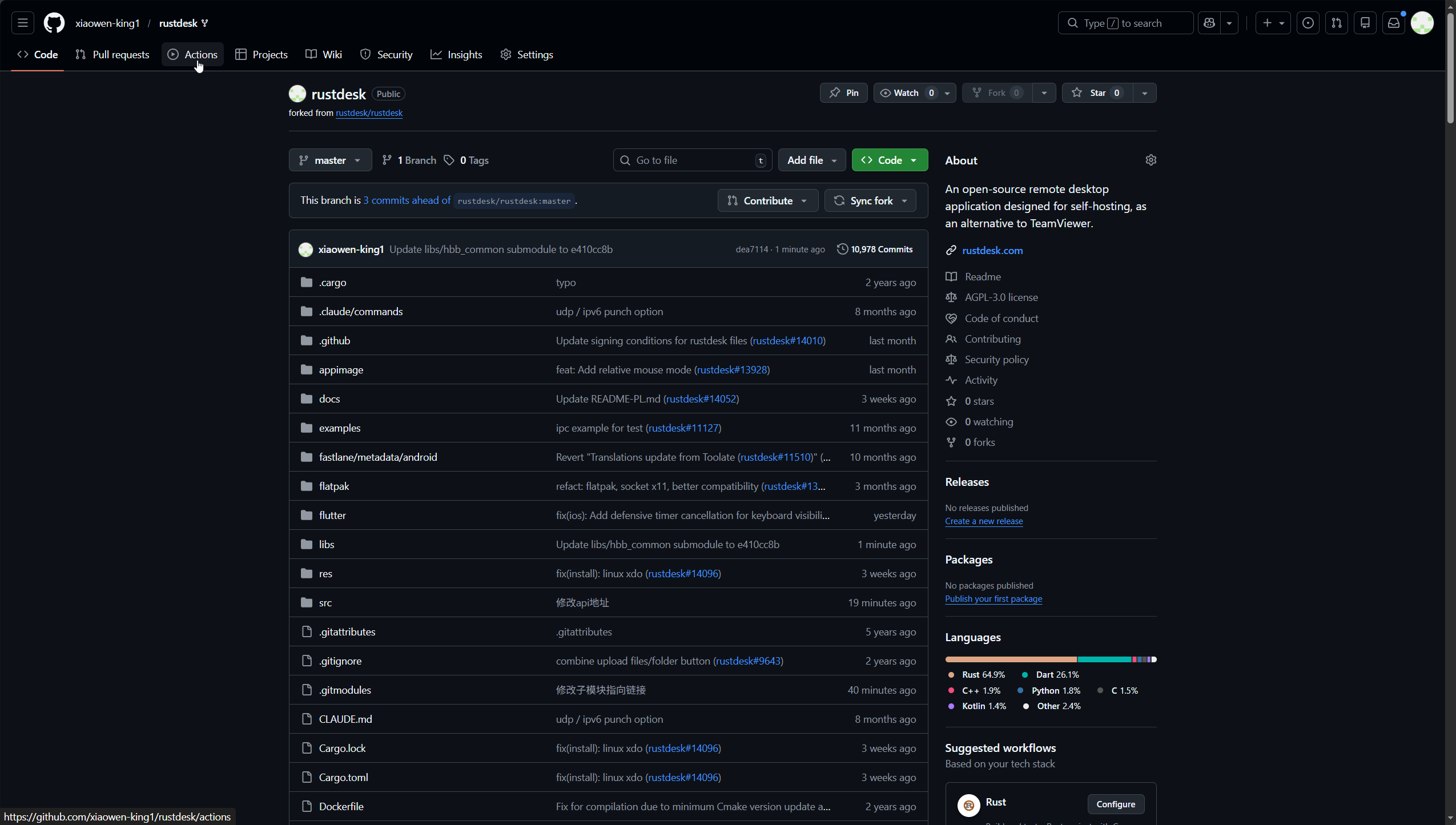
点击顶部的Actions
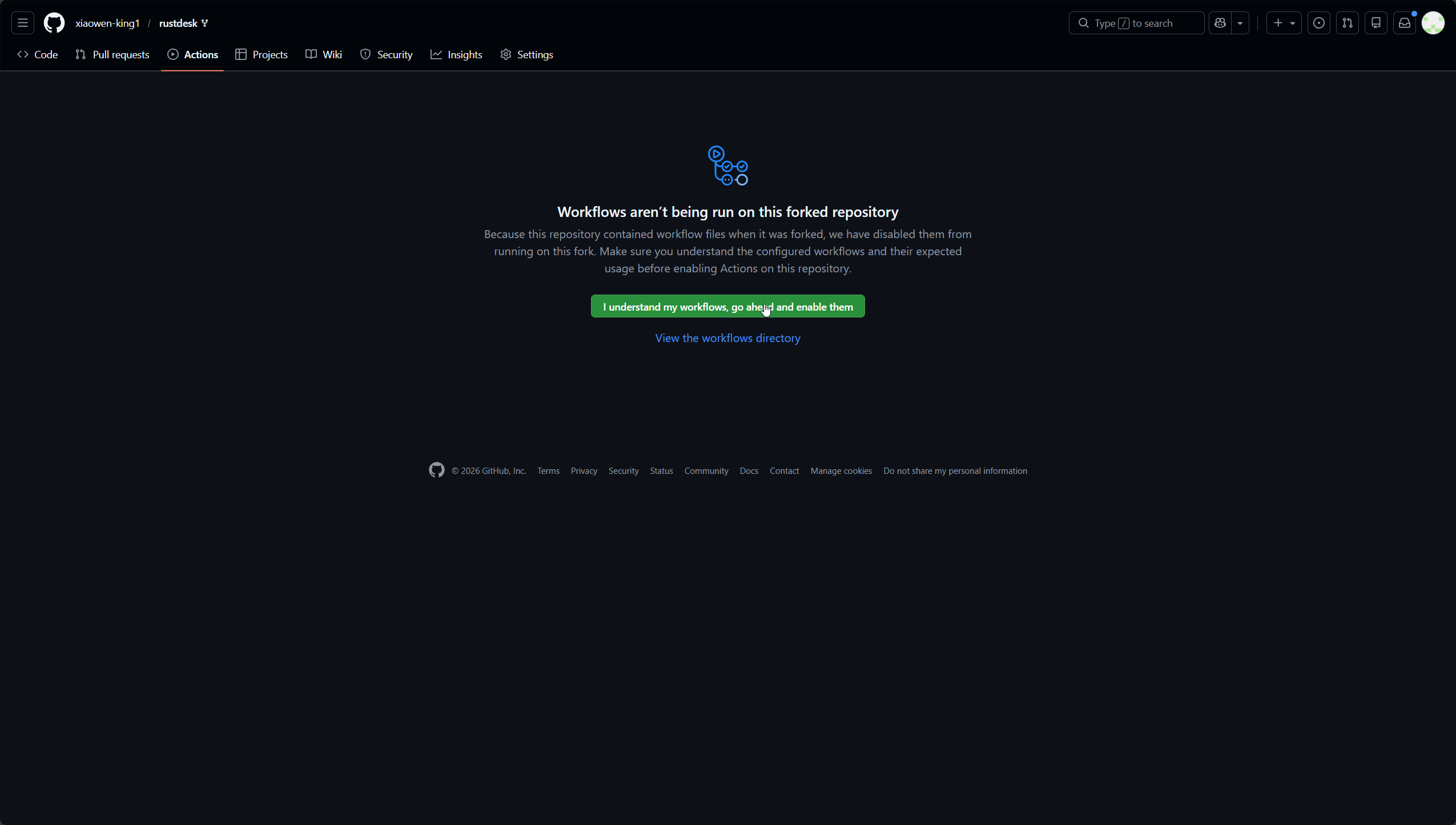
点击绿色的Workflows aren’t being run on this forked repository
点击侧边栏的Show more workflows...
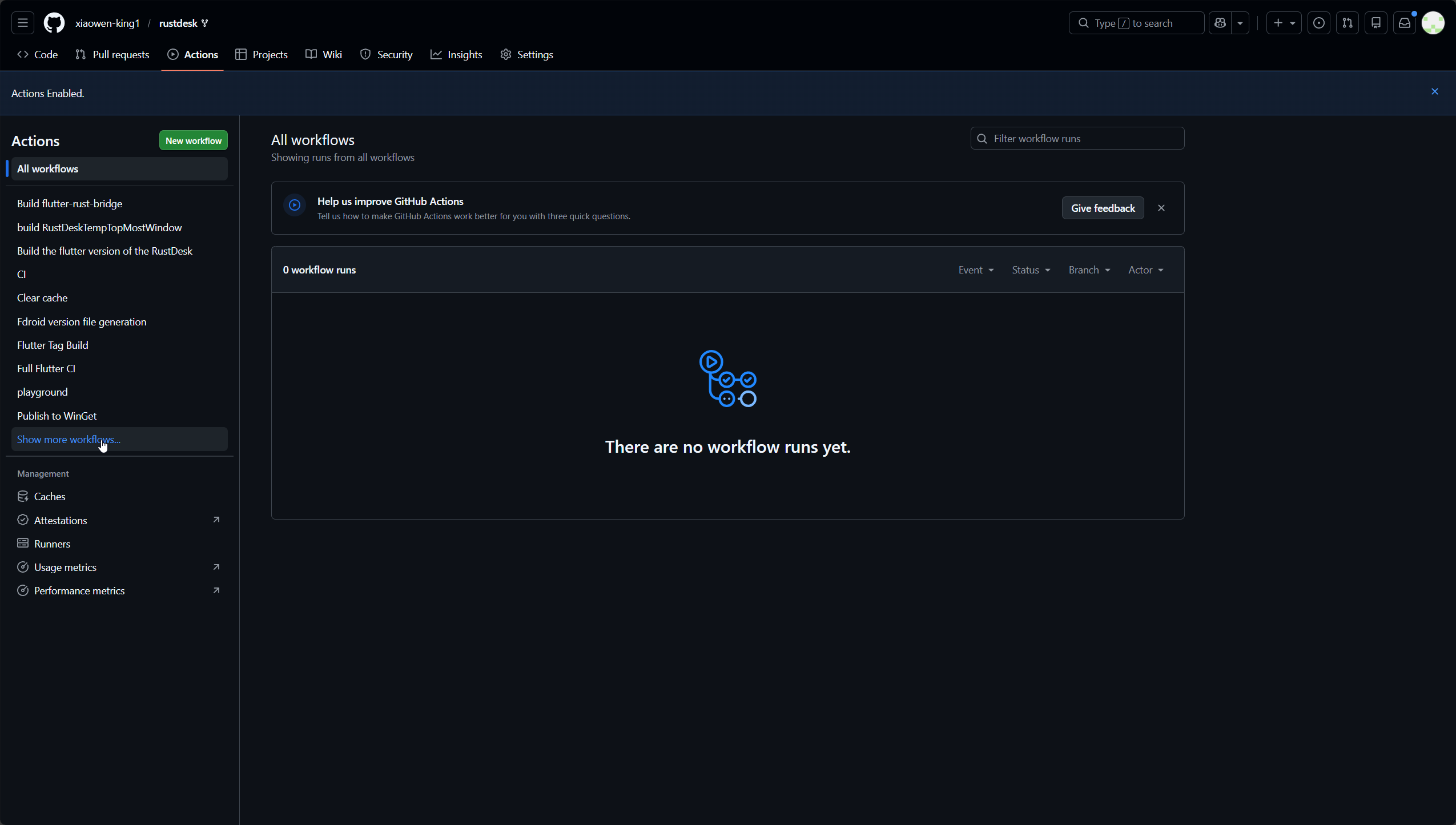
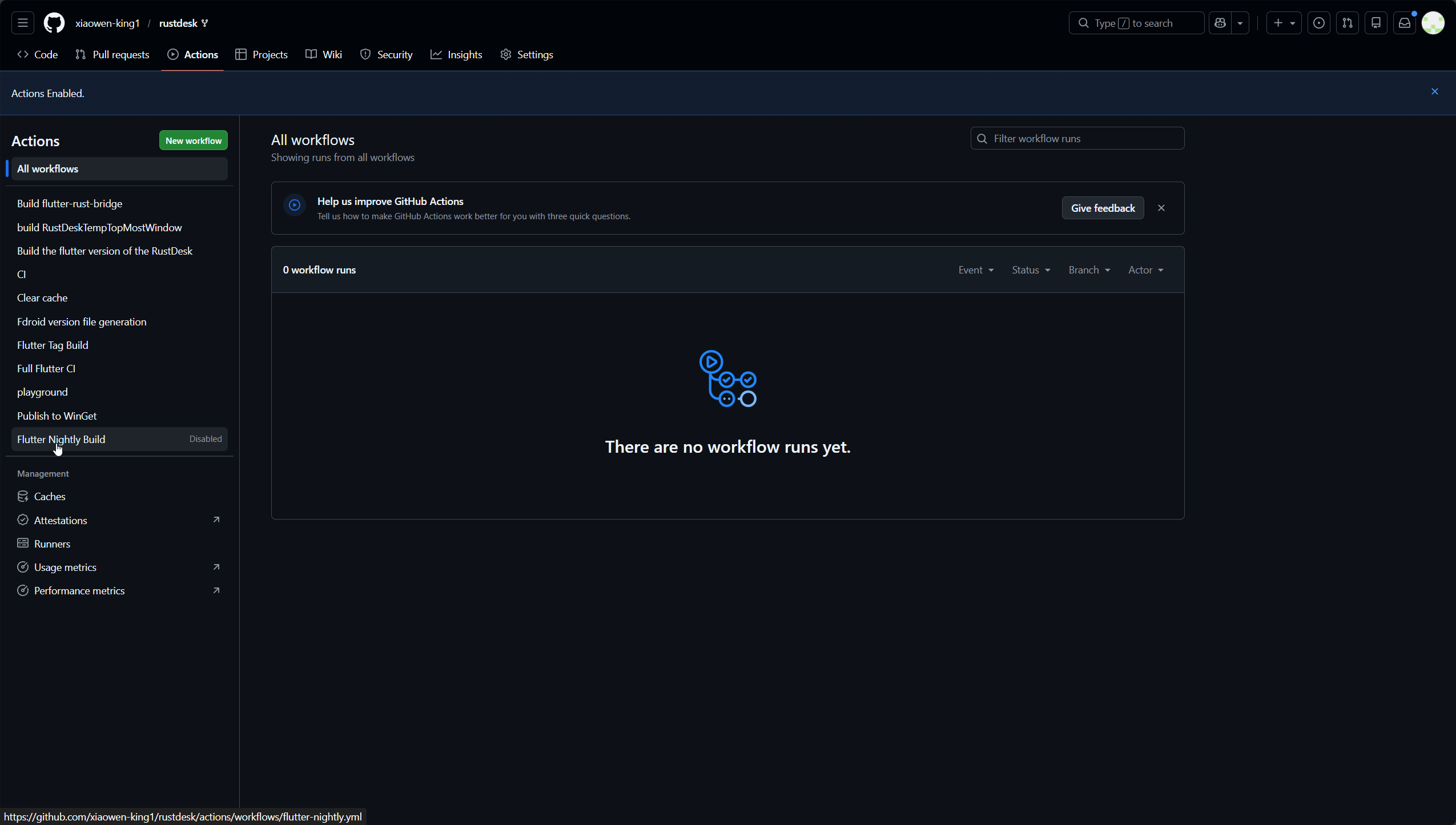
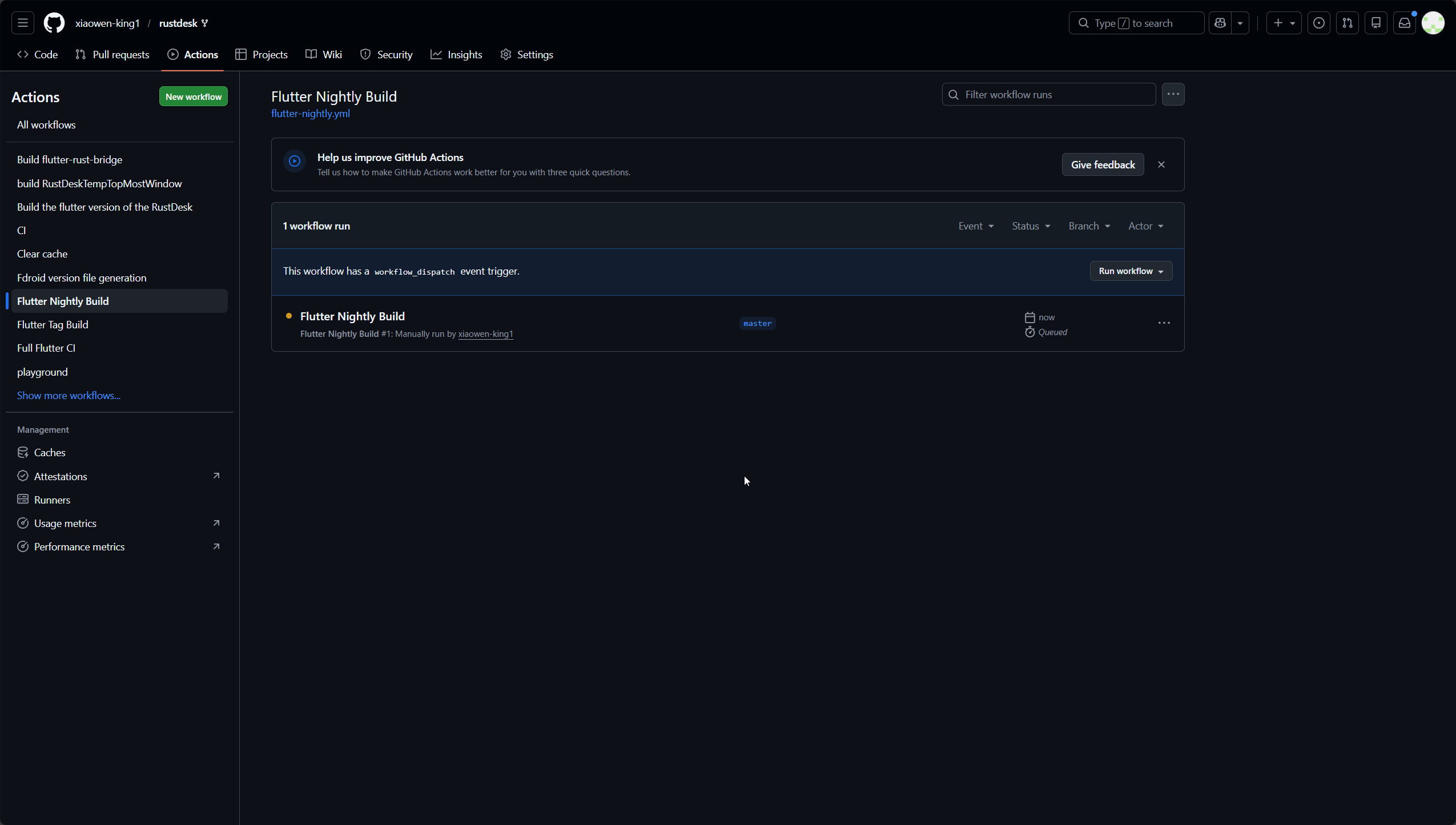
点击Flutter Nightly Build
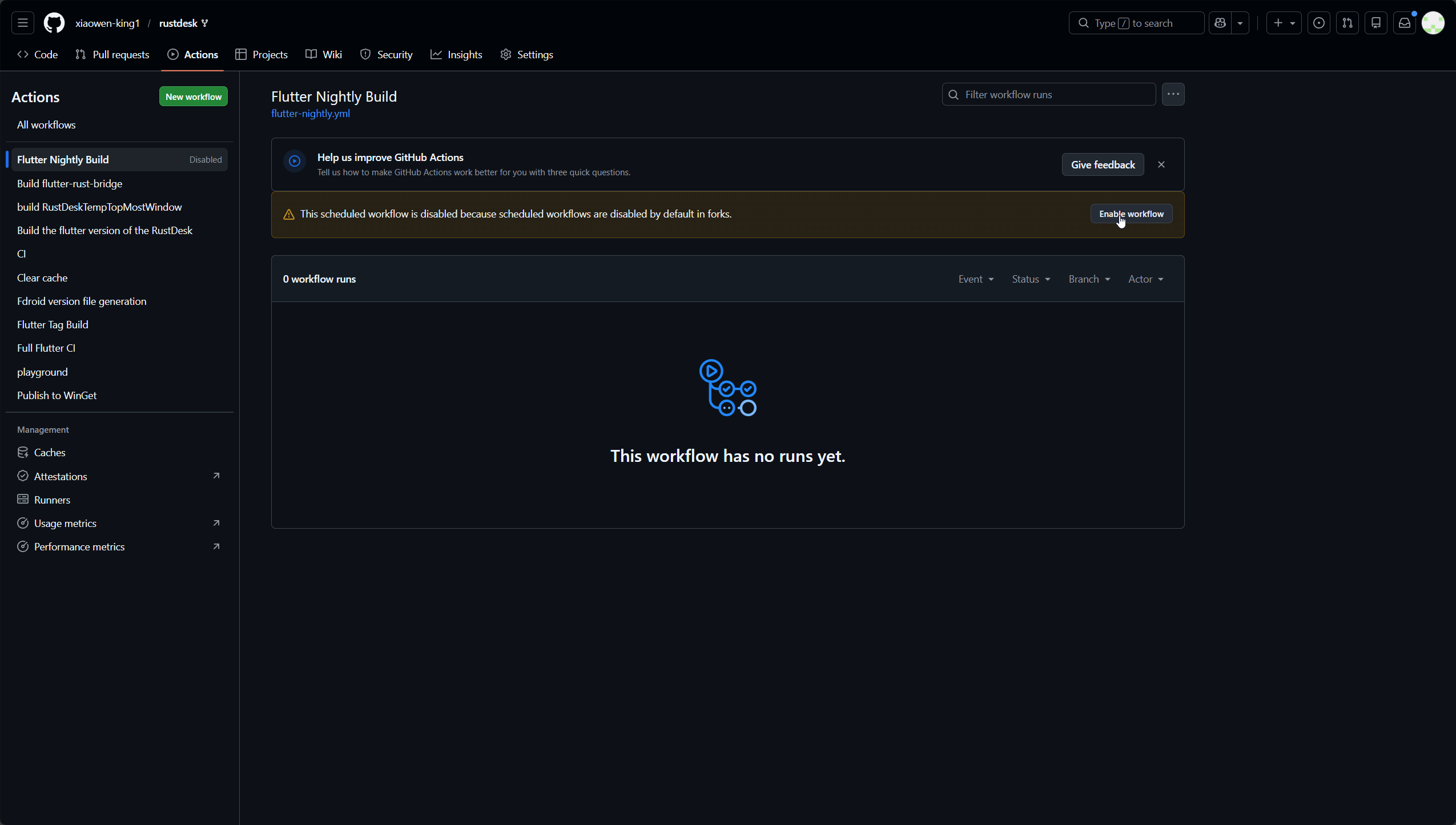
点击Enable workflow
点击Run workflow下的绿色Run workflow
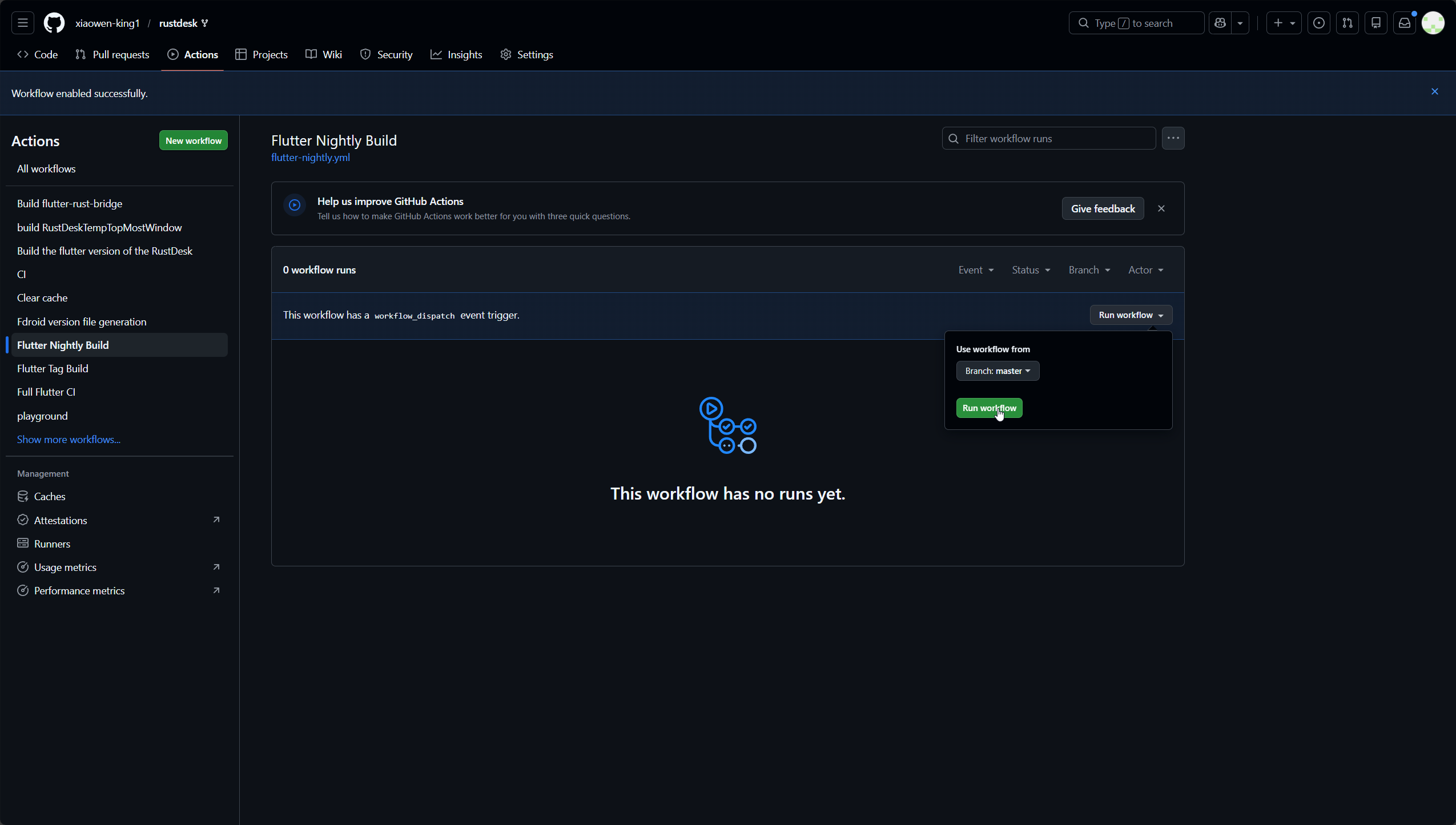
接下来就是漫长的等待了,预计一个半小时到两个小时可以编译完成
下载编译后的文件
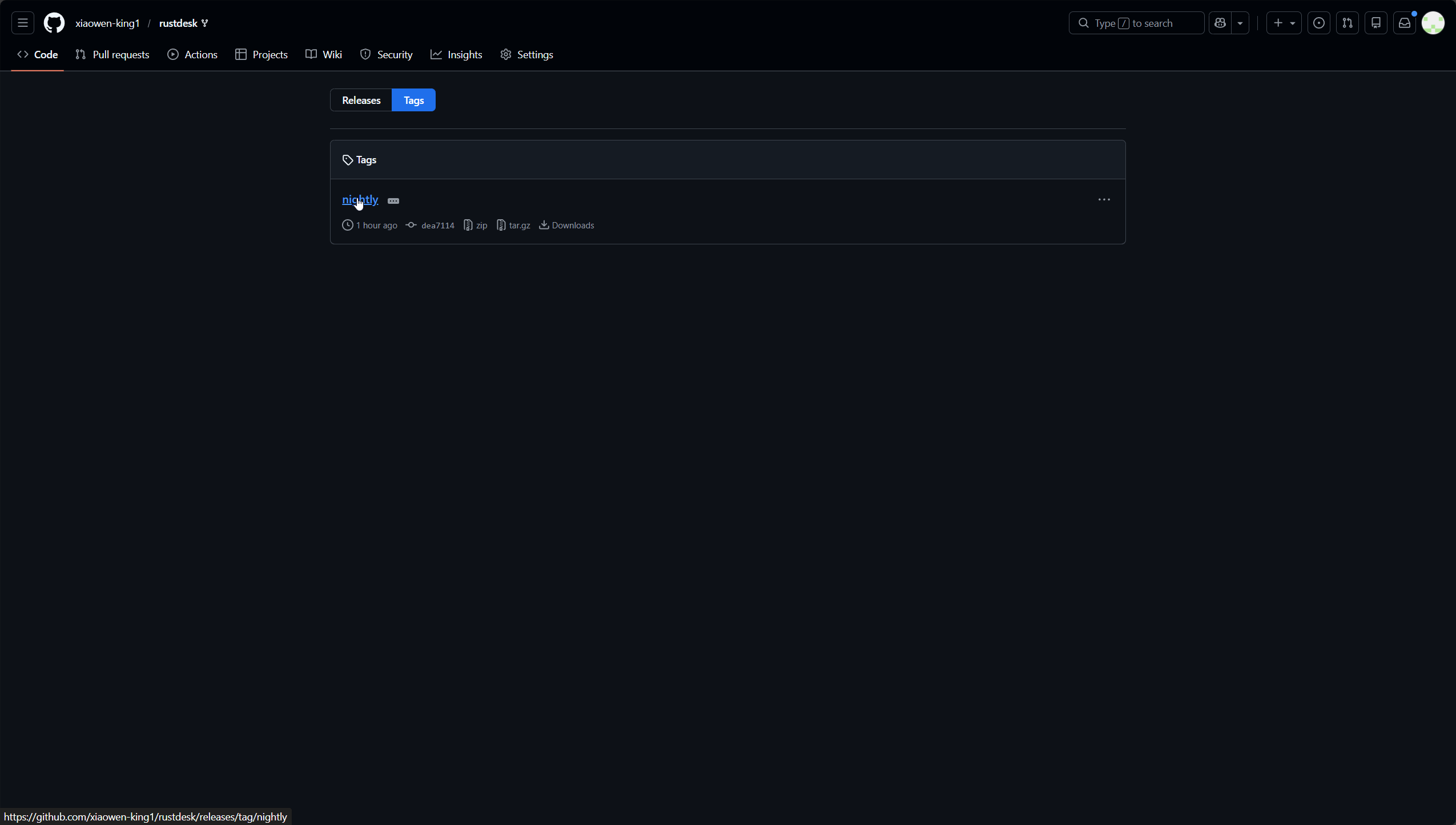
打开rustdesk项目地址,点击顶部的标签图标
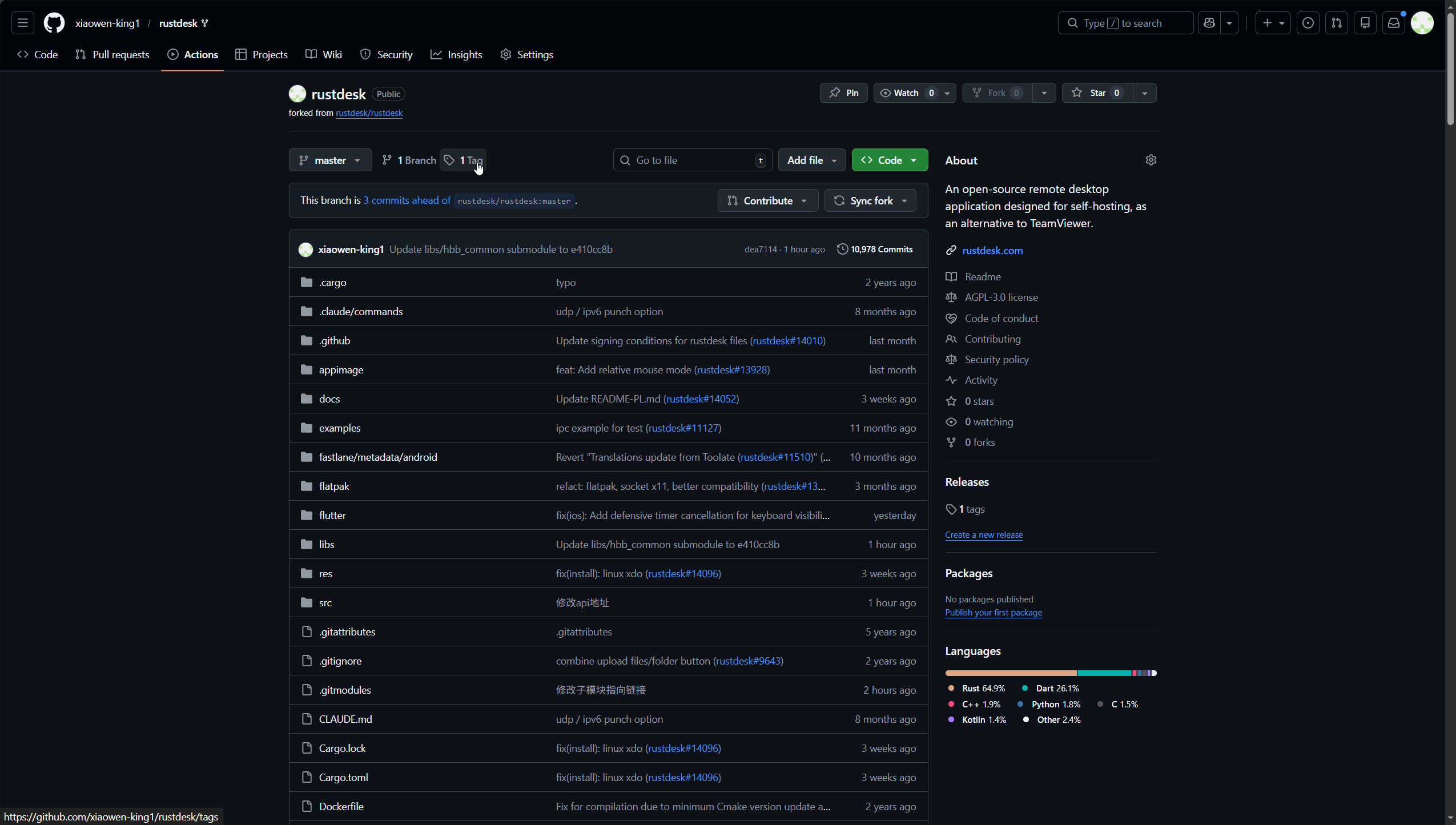
点击nightly进入就可以看到编译好的包了